


Product guide Harry Vu Le
Speech-to-Text in Chrome: See GG Transcript in Action
Record, transcribe, and turn speech into useful AI output without leaving the browser.
Harry Vu LeRecord, transcribe, and turn speech into useful AI output without leaving the browser.
Harry Vu LeNo articles match that search.
Compare six leading speech-to-text tools for browser transcription, meetings, voice typing, uploaded media, and developer APIs in 2026.

Find the best free transcription software for live browser speech, classes, meetings, voice typing, and uploaded audio without choosing by price alone.
Compare the best Otter.ai alternatives for browser-first transcription, meeting automation, developer APIs, multilingual audio, and simple voice typing.
Understand speech-to-text privacy risks and compare secure transcription alternatives, recording controls, data retention, AI processing, and account protection.
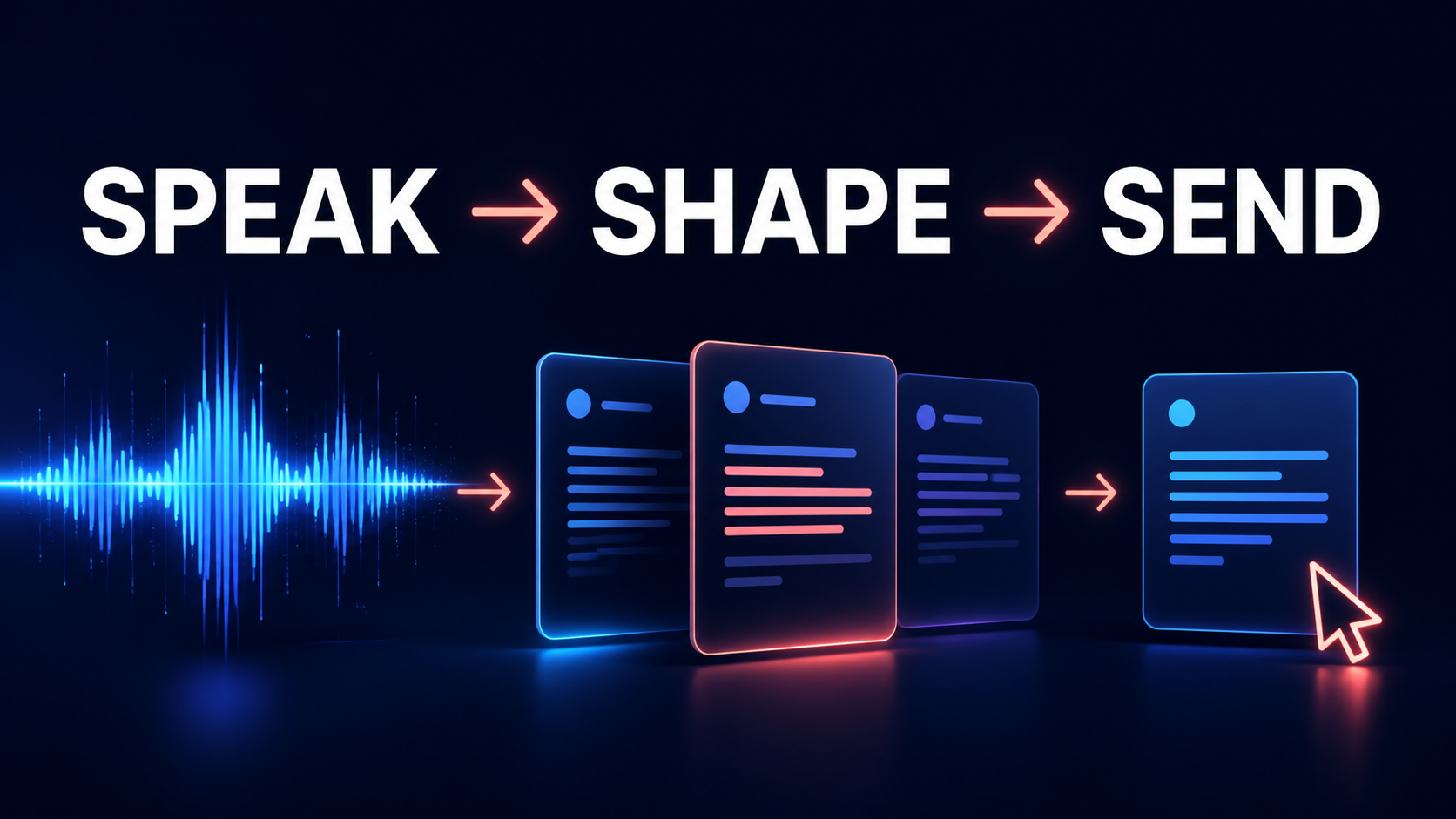
Use a speech-to-text Chrome extension for faster voice typing, detailed AI prompts, everyday writing, notes, and browser-based work.

Use AI meeting transcription to turn speech into searchable meeting notes, concise summaries, action items, and follow-up documents.
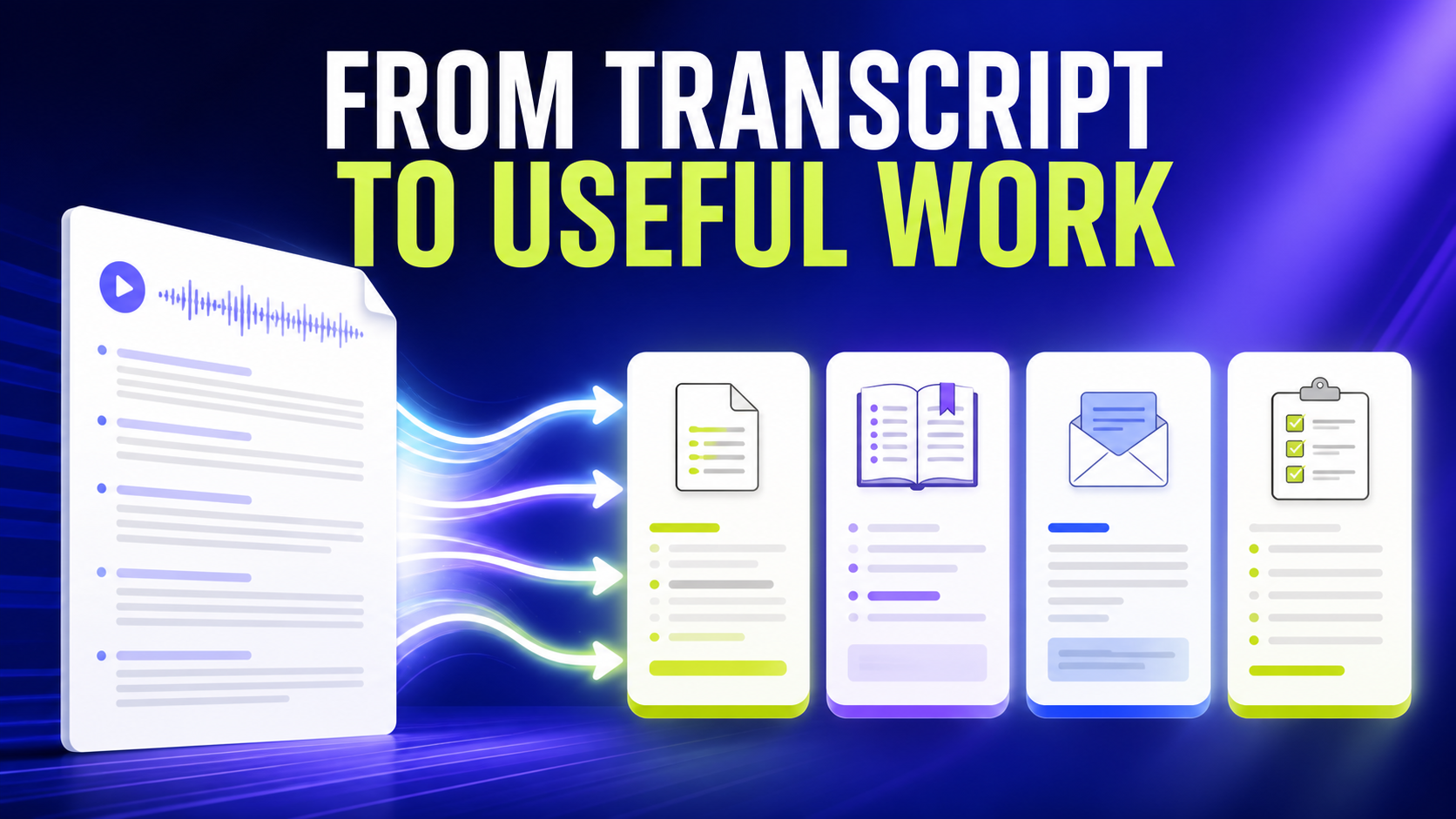
Use an AI transcript generator to turn speech into summaries, study notes, emails, action items, Q&A, tables, and custom outputs.

Learn how to transcribe Google Meet and Zoom calls into searchable text, meeting summaries, action items, and follow-up emails.

Turn YouTube videos into searchable text, study notes, summaries, research material, and reusable written content.

Explore live speech-to-text captioning for accessibility, focus, language learning, meetings, lectures, and real-time transcription.

Compare voice typing vs typing and learn when speech-to-text is faster for drafts, AI prompts, email, notes, and everyday writing.
Compare GG Transcript plans, capacity, billing, and the features included with each workflow.

Review the terms that explain access, acceptable use, subscriptions, and support.

Learn how to record lectures, create accurate transcripts, and turn class audio into searchable notes with a speech-to-text Chrome extension.
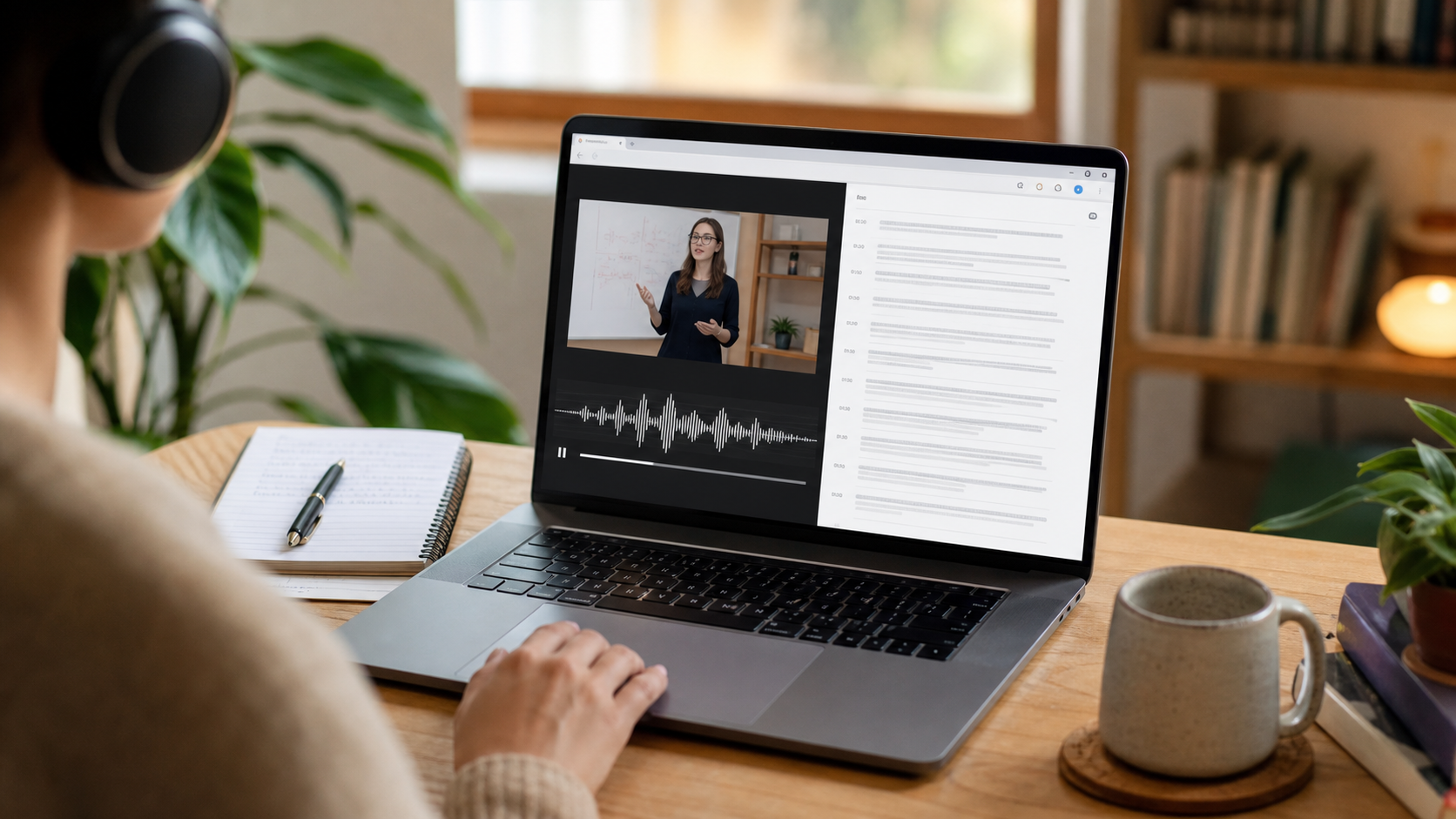
Learn how to transcribe browser audio and video with a Chrome extension, test the correct audio source, improve accuracy, and save searchable text.
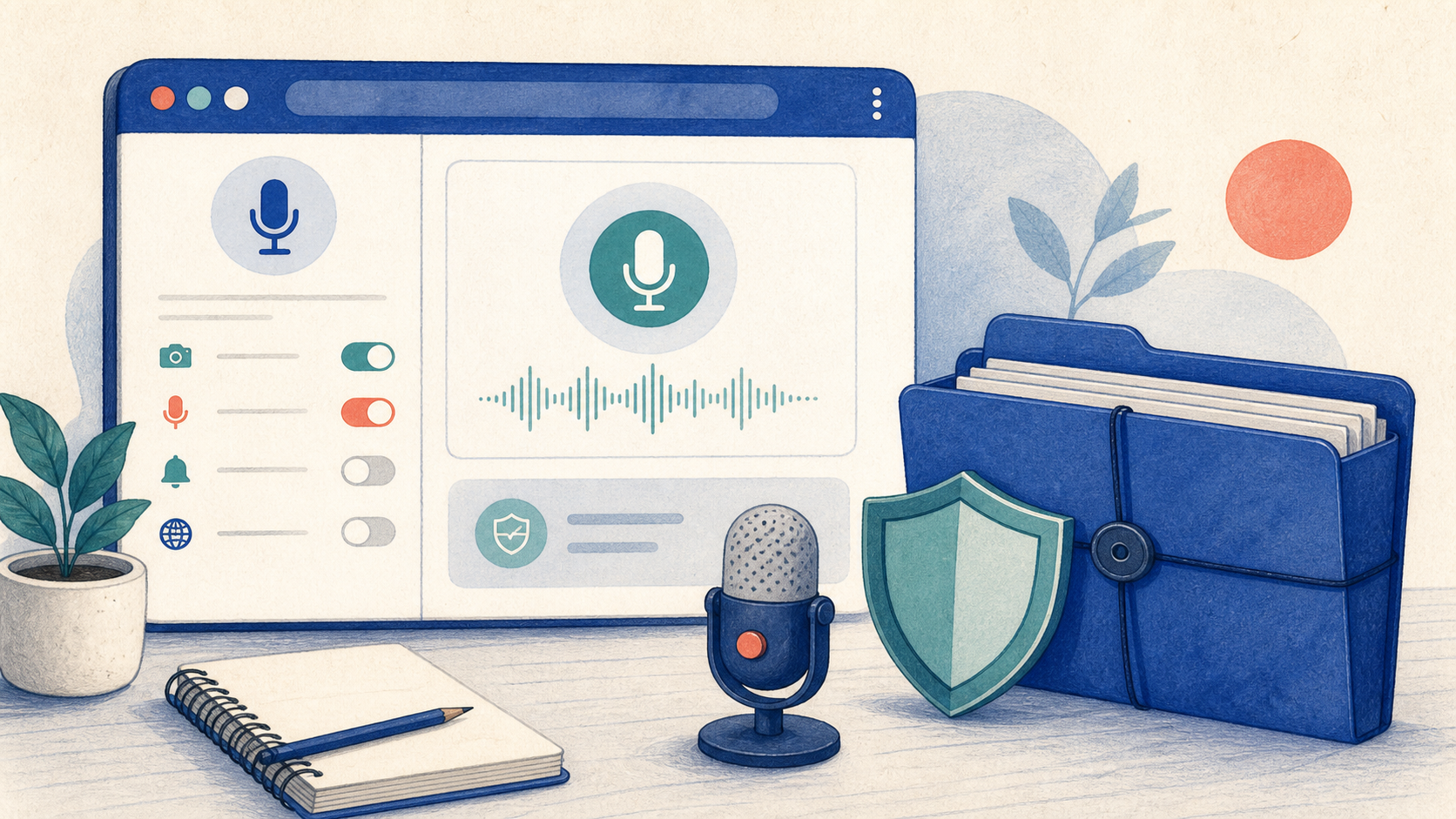
Understand microphone permissions, transcription providers, storage, account sync, and practical privacy checks before using speech-to-text in Chrome.

Follow a clear workflow to transcribe a lecture recording, verify the transcript, extract key ideas, and create study notes for active recall.
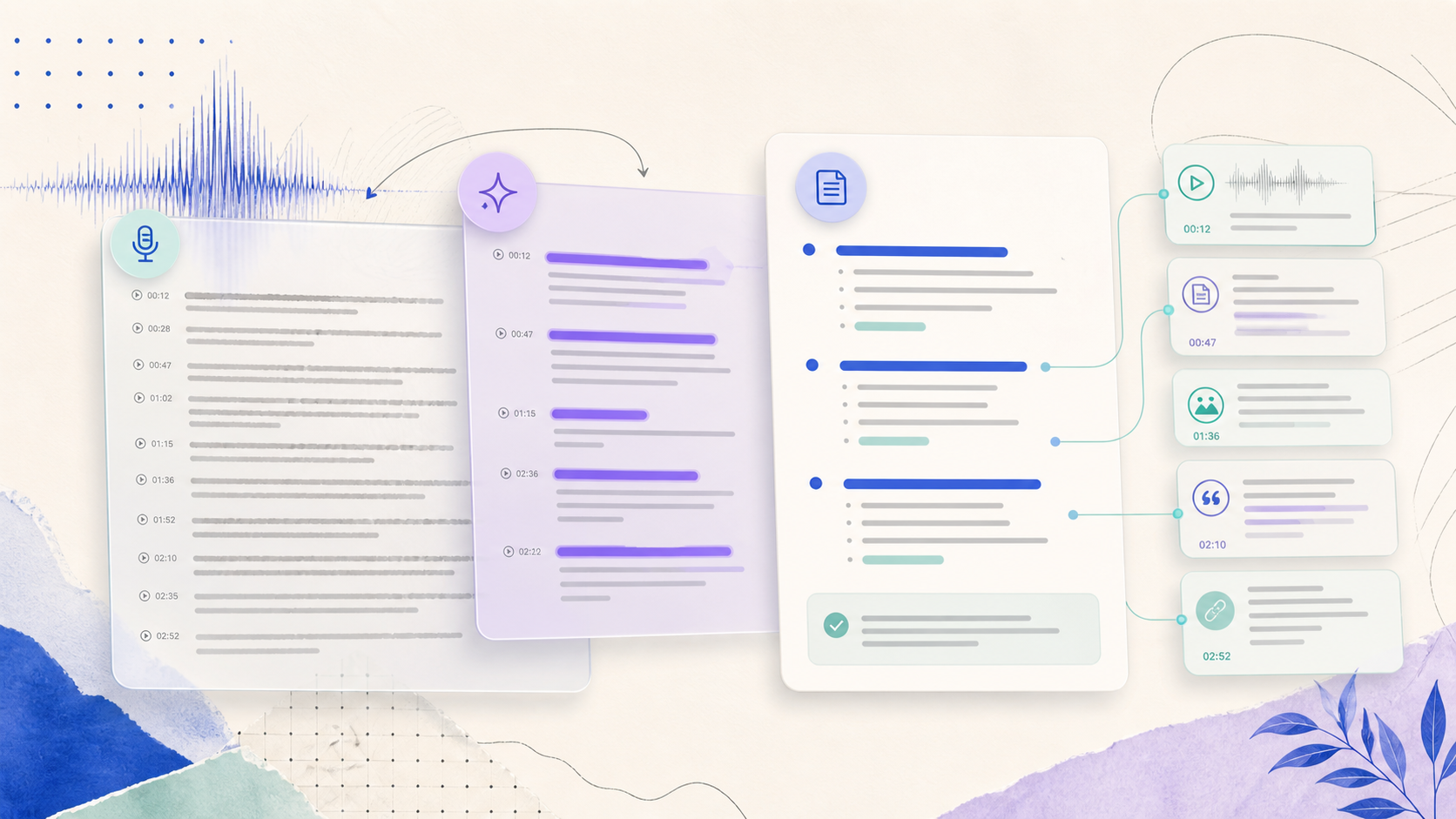
Learn how to clean a Chrome extension transcript, identify key points, create concise notes, and keep the source available for verification.

Use a live transcription Chrome extension for real-time speech to text. Learn setup, microphone permissions, accuracy tips, languages, and practical use cases.

Learn how to transcribe Google Meet in Chrome, check microphone permissions, create a searchable meeting transcript, and turn it into accurate notes.

Use a Chrome extension for interview transcription to capture clear speech, review names and quotes, and organize a searchable interview record.

Create a searchable meeting transcript in Chrome, verify decisions and action items, and keep the original conversation available for review.

Use a voice typing Chrome extension with AI cleanup to capture ideas quickly, remove verbal clutter, and shape spoken words into a clear draft.

Learn how to use a speech-to-text Chrome extension for online classes, capture clear lesson transcripts, and turn class discussion into useful notes.

Learn a responsible workflow for transcribing YouTube videos in Chrome, checking permissions, and turning spoken video into searchable notes.

Compare a consistent transcription workflow across Google Meet and Zoom, including consent, audio checks, review, decisions, and team follow-up.
Learn how to use a voice typing Chrome extension with Google Docs to capture ideas, clean drafts, and keep your writing accurate.
Open the complete GG Transcript guide library.