 GG Transcript
How to Transcribe Online Meetings into Searchable Notes
Turn an online meeting into searchable information without replaying the entire conversation.
 Harry Vu Le
Why recordings are hard to reuse
Online meetings have made conversation easier to record but not necessarily easier to remember. A Google Meet or Zoom call may contain forty minutes of useful discussion, yet a participant can finish the meeting with only a few hurried notes and a vague memory of what was decided. The recording may still exist, but watching the entire meeting again is rarely an attractive option.
Meeting transcription solves a different problem. Instead of preserving only audio and video, speech-to-text turns the conversation into searchable written information. A Google Meet transcript or Zoom transcript can be scanned, searched, summarized, and reused long after the call has ended.
This is one of the reasons transcription has become increasingly valuable for remote work. Meetings often include far more information than people can comfortably document while participating. Someone may be explaining a project update while another participant types notes, but the act of note-taking itself divides attention. The person writing may capture one idea while missing the next.
With speech-to-text, the conversation can become the source material for the notes afterward. The participant can listen more carefully during the meeting and use the transcript later to identify the information that matters.
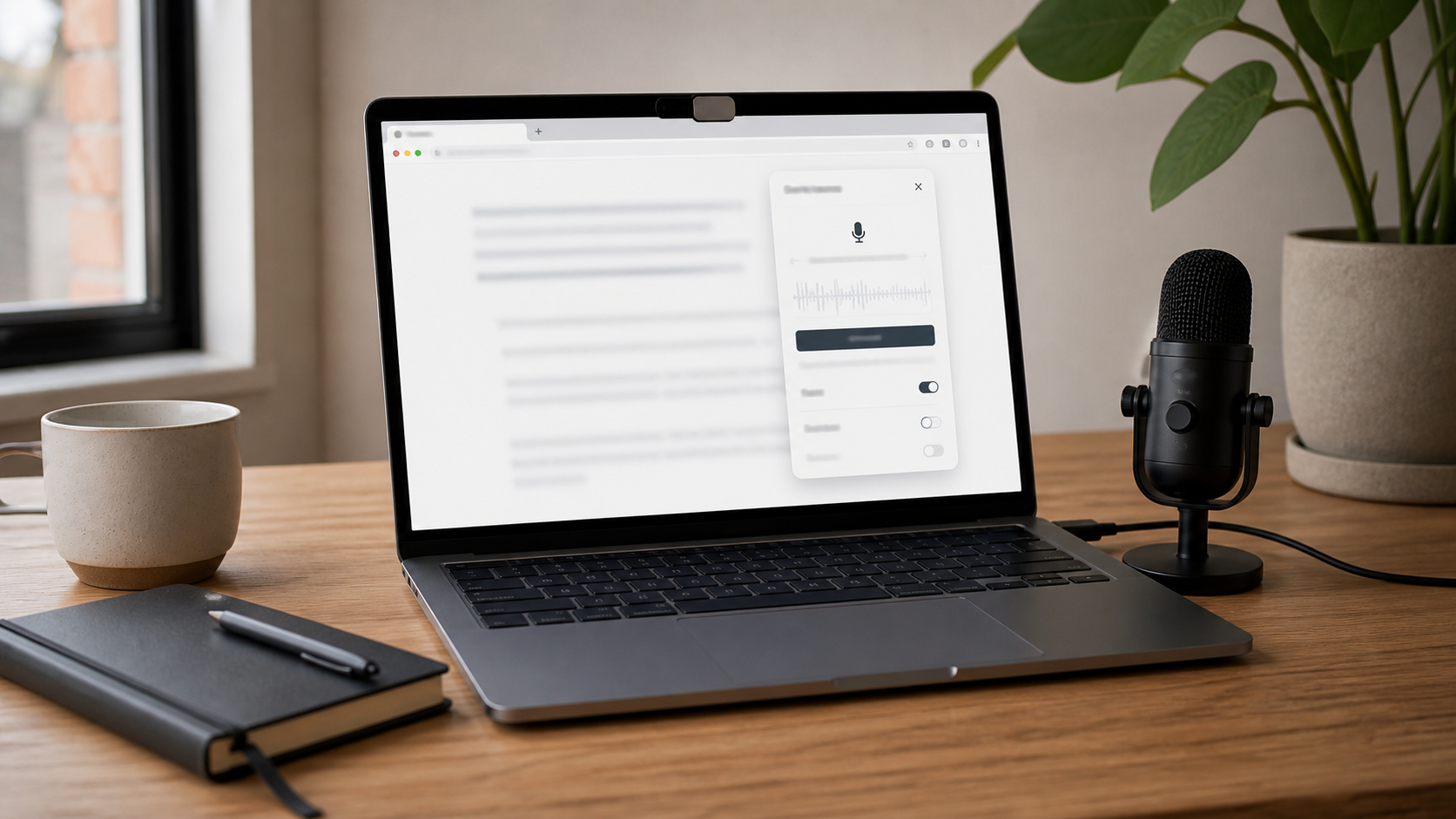
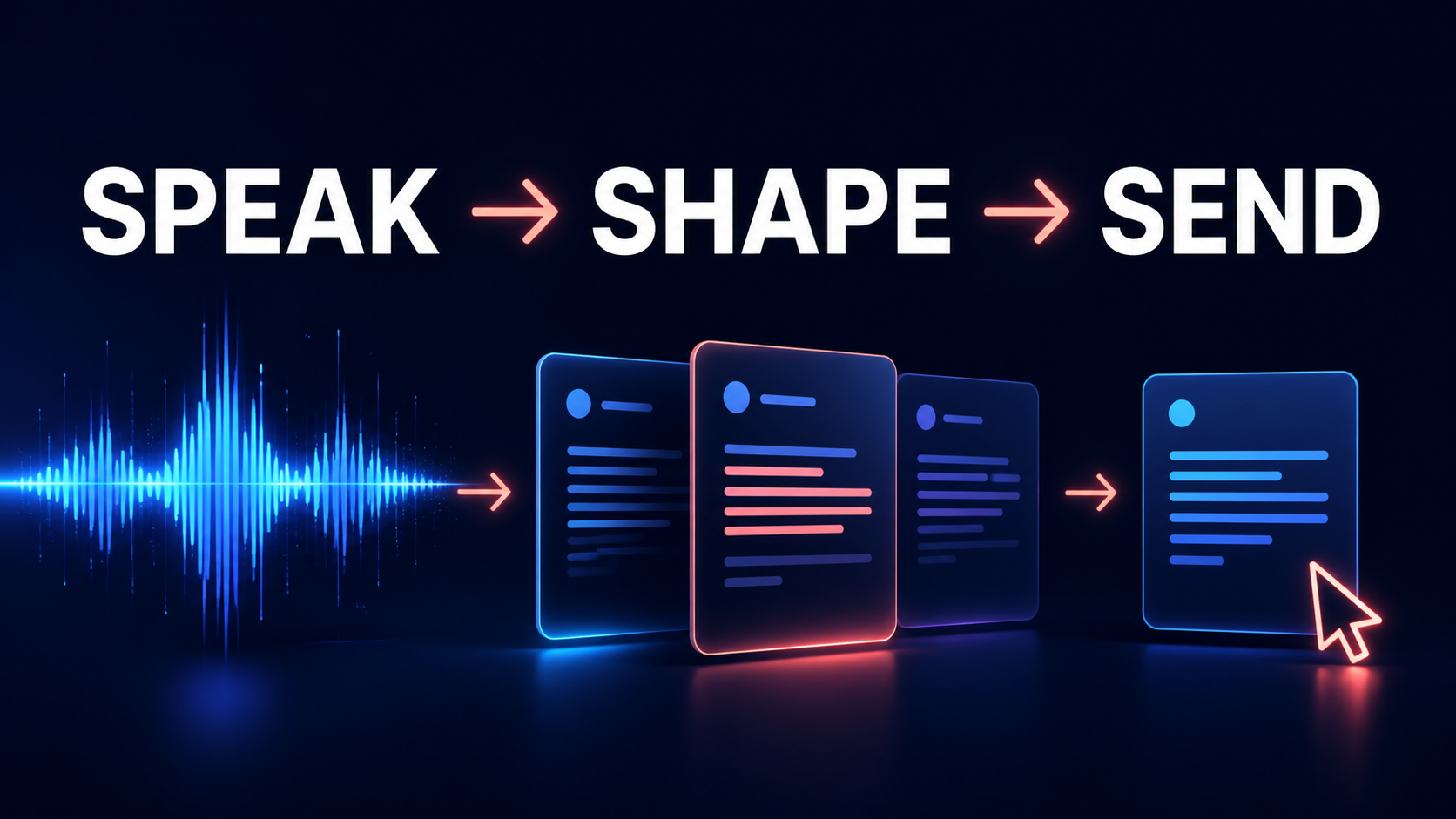
GG Speech is designed to support this type of browser-based transcription workflow. Once spoken information becomes text, it can remain available for review rather than disappearing with the end of the call. The transcript can then serve several purposes without requiring the meeting to be replayed from the beginning.
Search the conversation as text
Search is one of the simplest benefits. Imagine remembering that a customer raised a specific concern but not knowing where in the meeting it happened. Searching the transcript for the customer's name or the relevant term can reveal the section quickly. A similar workflow works for deadlines, project names, technical terms, or decisions.
Summaries are another natural next step. Long meeting transcripts preserve useful detail, but most people need a shorter version for everyday reference. AI meeting transcription can transform the text into a concise overview of the discussion while leaving the complete transcript available when additional context is needed.
Action items are often even more valuable. Meetings produce responsibilities gradually. A project manager may assign one task near the beginning, a client may request another change halfway through, and the team may confirm the final deadline just before ending the call. These commitments can become difficult to track if they remain scattered across handwritten notes.
Using the transcript as a source allows the information to be reorganized into clearer action items. The user can then move those tasks into the project system or document they already use.
Create summaries and action items
Follow-up emails can also begin from the same meeting transcript. Instead of rebuilding the conversation from memory, a user can work from the actual text and produce a concise written recap. This helps reduce the chance that important details are forgotten or unintentionally changed.
Google Meet transcription and Zoom transcription are useful beyond business environments. Students participating in online classes can return to difficult explanations. Group projects can preserve decisions made during planning calls. Tutors can create more useful session notes. Researchers can review interview responses. Freelancers can document client requirements more accurately.
The browser environment makes this workflow especially practical because many of the applications used after a meeting already live in the same place. Someone may finish a Google Meet call and immediately open Google Docs, Gmail, an AI assistant, or a project management tool. A transcription Chrome extension that remains available through a sidebar or floating interface can help reduce the friction of moving the meeting information into the next stage of work.
GG Speech is designed around that continuity. The useful part of meeting transcription is not simply obtaining the text. It is being able to continue working with that text without turning the meeting into another disconnected file.
Meeting transcription should, of course, always be used responsibly. Local laws, organizational policies, and participant expectations may require disclosure or consent when conversations are recorded or transcribed. A productive workflow should always respect those requirements.
Continue working after the meeting
When used appropriately, however, turning Google Meet and Zoom calls into text can eliminate one of the most repetitive parts of online work. Instead of listening carefully, typing incomplete notes, replaying the meeting later, and reconstructing the important points from memory, the user begins with a searchable transcript.
The meeting happens once. The information does not have to disappear with it.
A searchable call record should begin with an agreed purpose. Teams get more value when the meeting title names the project, the date, and the decision or question at hand. That small habit makes a later search more precise than a folder of generic recordings. After the call, distinguish what was proposed from what was approved, and leave an item unresolved when the conversation did not actually settle it. This protects the team from treating a fluent summary as an authoritative account of a discussion that was still open.
The strongest follow-up is usually short: a little context, confirmed decisions, actions with real owners, and any questions that need a reply. Keep the underlying transcript available only to people who need access, and use it when a detail must be checked. At the next meeting, review the prior action list before generating another one. That turns transcription into a working memory for the team rather than a passive archive of every spoken sentence.