 GG Transcript
Private Speech-to-Text Chrome Extension Guide
Privacy is not a single toggle. It is the combination of permission, processing, storage, retention, and sharing choices you can understand and control.
 Harry Vu Le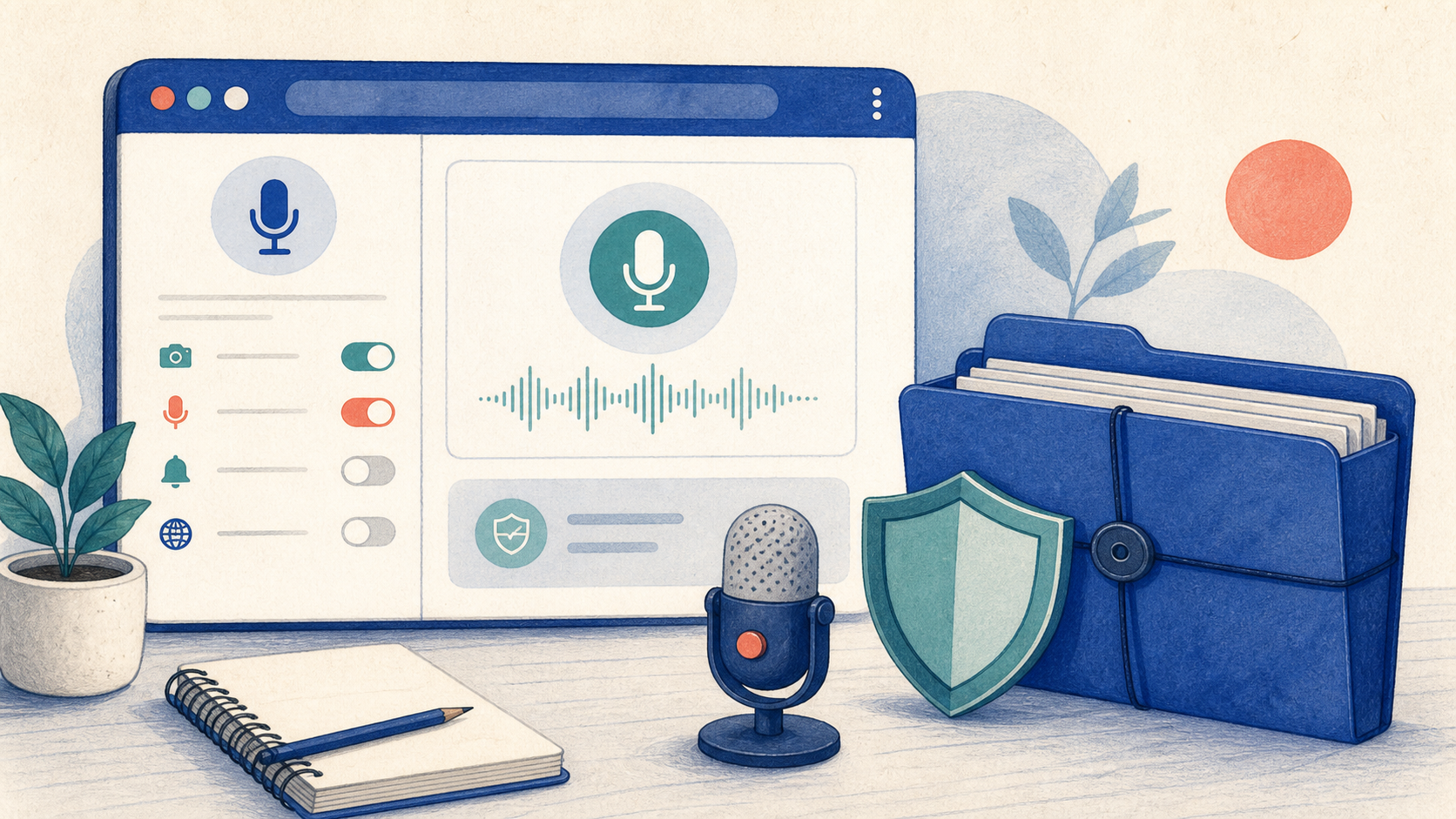
Understand microphone permissions, transcription providers, storage, account sync, and practical privacy checks before using speech-to-text in Chrome.
What makes a speech-to-text Chrome extension private?
A private speech-to-text Chrome extension should clearly explain when the microphone starts, where audio is processed, what is stored, and how users can remove their data. Microphone access should begin only after an intentional action such as pressing Record. The permission dialog grants technical access, but the product still needs a transparent policy that describes how that access is used.
Processing location also matters. Chrome WebSpeech and a cloud transcription provider do not follow identical data paths. In GG Transcript, the selected engine determines how speech becomes text, so users should choose an engine that fits their task and account plan. Sensitive recordings deserve extra care regardless of provider: avoid capturing passwords, financial details, confidential client information, or anyone who has not agreed to be recorded.
Review storage, history, and account sync
A transcript may remain on the device, appear in extension history, or sync to an authenticated account depending on the feature and plan. Before an important recording, open Settings and read the Privacy & Data explanation. Check whether you are using a guest or signed-in session, which history is visible, and whether the result needs to be retained at all.
Good privacy practice includes deletion, not only collection. Give recordings meaningful names so sensitive entries are easy to identify, remove items that no longer serve a purpose, and sign out on shared computers. Upgrading or downgrading a plan should not be treated as a substitute for data management. Users remain responsible for deciding which conversations are appropriate to capture and keep.
A privacy checklist before you press Record
First, obtain permission from the people being recorded and follow local laws, school rules, and workplace policy. Second, verify the correct microphone so unrelated conversations are not captured. Third, choose the transcription engine deliberately. Fourth, record only what is necessary and stop promptly when the relevant discussion ends. Finally, review the transcript before sharing because recognition errors can create misleading statements.
Privacy-friendly design should make these choices understandable rather than hiding them behind technical language. Read the current GG Transcript Privacy Policy for the authoritative description of microphone use, processing, account data, and retention. If the recording involves regulated or highly confidential information, use an approved organizational tool and process instead of assuming a consumer extension satisfies every compliance requirement.
Match the privacy decision to the sensitivity of the conversation
Not every recording carries the same risk. A personal brainstorming note, a public webinar, a private team meeting, and a conversation containing health or financial information require different decisions. Before recording, ask whether the transcript is necessary, who should be able to open it, how long it should remain available, and whether an approved organizational system is required. Choosing a transcription provider or signing into an account does not remove that responsibility. Data minimization—recording less and deleting sooner—is often the clearest privacy improvement available to an individual user.
When sharing a transcript, separate the original speech from an AI-created interpretation. Recipients should be able to tell whether they are reading what was said, a cleaned version, or a generated summary. Review access after the work is complete and remove exported copies that no longer serve a purpose. For the current product behavior, rely on the published Privacy Policy rather than assumptions or old screenshots. If a school or employer has a dedicated retention policy, that policy should guide the workflow before convenience does.
A privacy-first recording checklist
Before pressing Record, identify the purpose of the transcript and remove information that is not needed for that purpose. Confirm consent where required, avoid recording bystanders, and choose the least sensitive input that still completes the task. If cloud transcription or AI formatting is unnecessary, use the simpler workflow. When an account sync feature is useful, review who can access the account and whether the device is shared.
Afterward, correct the transcript, export only the format you need, and delete copies that no longer serve the stated purpose. Keep sensitive recordings out of casual messaging threads and public folders. These habits do not replace an organization’s privacy policy or local law, but they make the everyday workflow more deliberate, explainable, and easier to audit.
A dependable routine for real work
The most useful way to apply private speech-to-text chrome extension guide is to keep the workflow small and observable. Start with a short test, confirm that the words on screen match the speaker, and decide what the final reader actually needs. A raw transcript, cleaned copy, summary, table, or question-and-answer page each serves a different purpose. Choosing one outcome before you process a long recording saves time and makes quality easier to judge.
Keep a human checkpoint between recognition and action. Listen again when a name, number, quotation, deadline, or safety instruction matters. Mark uncertainty instead of allowing a fluent sentence to hide it, and compare an AI-created result with the source before publishing or sending it. Automatic tools are excellent at reducing repetitive work, but they cannot know which detail is most consequential in your context.
A clear archive also improves future work. Use descriptive titles, the spoken language, and the project or course name so search can surface the right conversation months later. Store links to related documents when audio cannot preserve a diagram, screen, or formula. Delete temporary exports and old copies when they no longer serve the task, especially when the material contains information about other people.
Finally, review the result with the person who will use it. Ask whether the summary answers the question, whether actions have real owners, and whether the tone fits the audience. Feed that feedback into the next custom instruction rather than adding more words by default. A repeatable capture–review–share loop is what turns speech-to-text into dependable work.
Put the workflow into practice
Open GG Transcript in Chrome, choose the input and language that fit your task, and begin with a short test recording. Read the step-by-step setup guide, compare plan features, and review the Privacy Policy before recording sensitive material.
Add GG Transcript to Chrome→