 GG Transcript
Live Speech-to-Text Captions for Accessibility and Focus
Visible speech can support accessibility, concentration, language learning, and review after the conversation ends.
 Harry Vu Le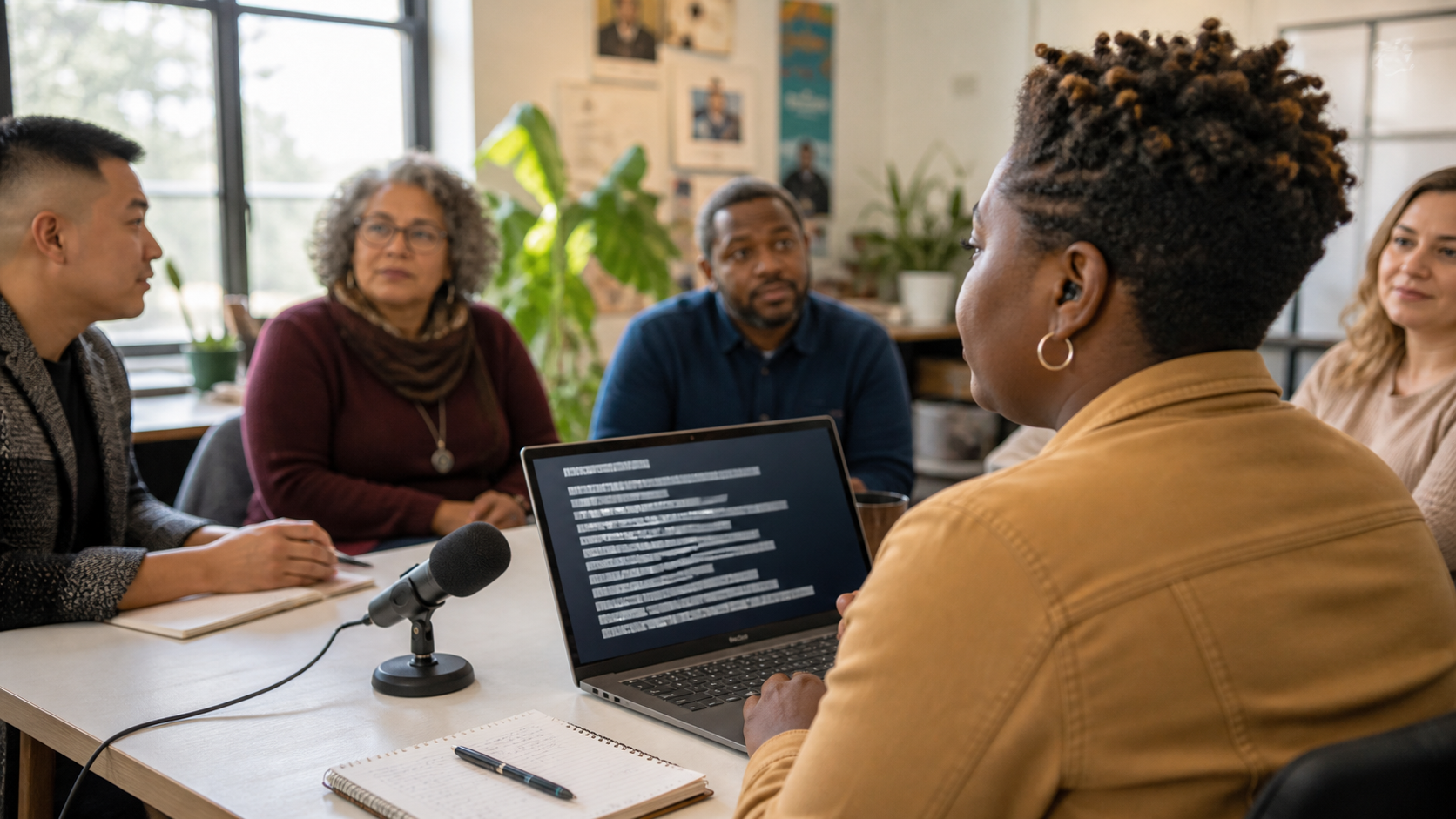
Make spoken information visible
Spoken information disappears almost immediately after it is heard. If someone misses a sentence during a meeting, lecture, video, or conversation, the speaker usually continues before the listener has time to recover. Live speech-to-text captioning changes that experience by giving spoken words a visible form while the conversation is still happening.
Live captions are one of the most important applications of speech-to-text because they support accessibility. People who are deaf or hard of hearing may rely on real-time text to follow conversations that would otherwise be difficult or impossible to access fully. In that context, captioning is not simply a productivity feature. It is a way of making information available to more people.
Yet live transcription can also benefit people who do not traditionally think of themselves as caption users. Many people turn captions on when watching videos even when they can hear the audio clearly. The reason is simple: reading and listening at the same time can make information easier to follow.
The same principle applies to meetings and lectures. A technical explanation may include unfamiliar terminology. A speaker may talk quickly. Background noise may make individual words difficult to hear. A person working in a second language may recognize the written word more easily than the pronunciation. Live speech-to-text provides another path to the same information.
Focus is another important benefit. Attention naturally fluctuates during long conversations. Someone may briefly lose concentration and then struggle to understand the sentence currently being spoken because they missed the one before it. Live captions can provide a visual anchor that helps the listener reconnect with the discussion.
Accessibility and focus in real time
This becomes especially useful during online learning. Students frequently listen to lectures while also taking notes, reading slides, or following a demonstration. Real-time transcription can reduce some of the pressure to remember every sentence immediately. The text becomes an additional reference point.
GG Speech is designed to make this type of speech-to-text available within the browser. A sidebar or floating panel can keep transcription visible while the main application remains available. The purpose is to support the activity the user is already performing rather than replace the screen with a dedicated captioning environment.
That interface can be useful during web-based meetings, study sessions, research, and other browser workflows where speech and written information appear together.
The value of live transcription continues after the speech ends. Captions are useful in real time, but a saved transcript can become useful again later. A student can review a difficult explanation. A professional can search for something mentioned during a meeting. A language learner can return to unfamiliar vocabulary.
Keep captions close to the work
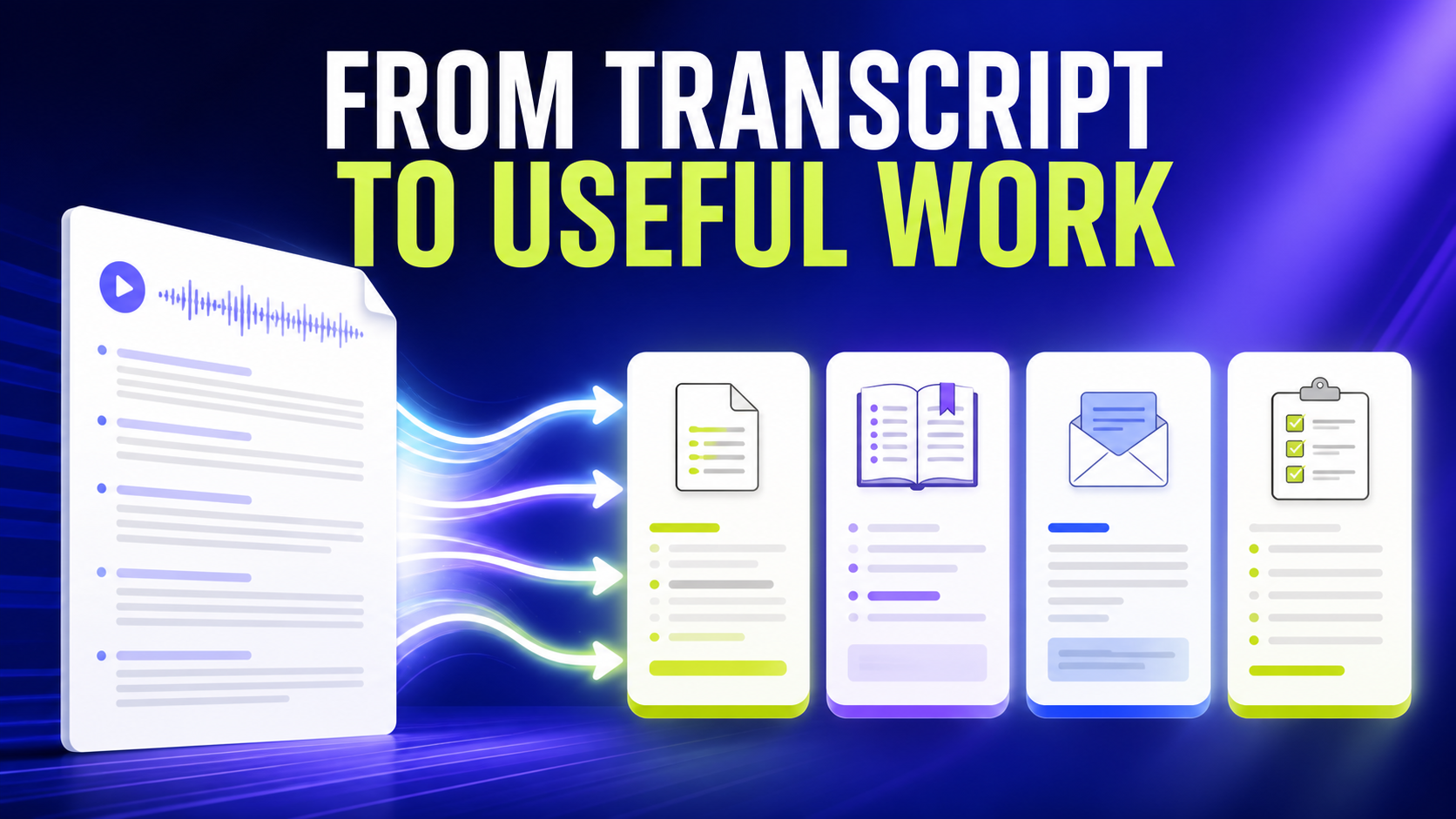
The same text can also become the foundation for AI outputs. A long transcript might become a summary, study notes, action items, or Q&A. This connects live speech-to-text with a broader transcription workflow.
Language learning is a particularly interesting example because live captions create a direct relationship between sound and written vocabulary. Listening to another language requires the learner to recognize pronunciation quickly. When the spoken words also appear as text, the learner has more information to work with.
This does not make speech recognition perfect, and captions should never be treated as an infallible representation of every spoken word. Recognition accuracy can vary with microphones, accents, background noise, terminology, and speaking style. Even so, live speech-to-text can provide valuable support in situations where relying on hearing alone is difficult.
Accessibility technology often becomes broadly useful because human needs overlap. Captions may be essential for one person, helpful for another, and simply convenient for someone else. The same feature can support hearing accessibility, focus, language learning, studying, meetings, and noisy environments without those uses competing with each other.
Return to the transcript later
GG Speech approaches live transcription from that perspective. Speech-to-text is not only a way to replace typing. It is also a way to make spoken information visible, persistent, and easier to work with.
The most useful captioning technology does not demand attention for itself. It helps the user pay attention to what actually matters.
Live captions work best when the person using them can decide how visible they should be and when they are needed. A student may want a compact transcript beside a lecture; a remote participant may need it during a fast discussion; a speaker may use it to check whether an explanation is landing clearly. In each case, placement and pacing matter. Captions should support attention, not become another stream that must be monitored word by word. A short microphone and language check before an important session gives the user a better chance of catching an input problem before the conversation begins.
Caption text also needs an honest review policy. Automatic recognition can be excellent for following a conversation, yet names, numbers, technical vocabulary, and overlapping speakers still deserve a human check before the text becomes a formal record. When the conversation concerns an accommodation, a safety instruction, a legal matter, or a decision that affects someone else, retain the original context and confirm the critical wording. The valuable promise is not perfect automation; it is faster access to speech with a clear path back to the source.