 GG Transcript
Turn a Lecture Recording into Study Notes
Move from a long recording to accurate, compact notes without losing the source that lets you check every claim.
 Harry Vu Le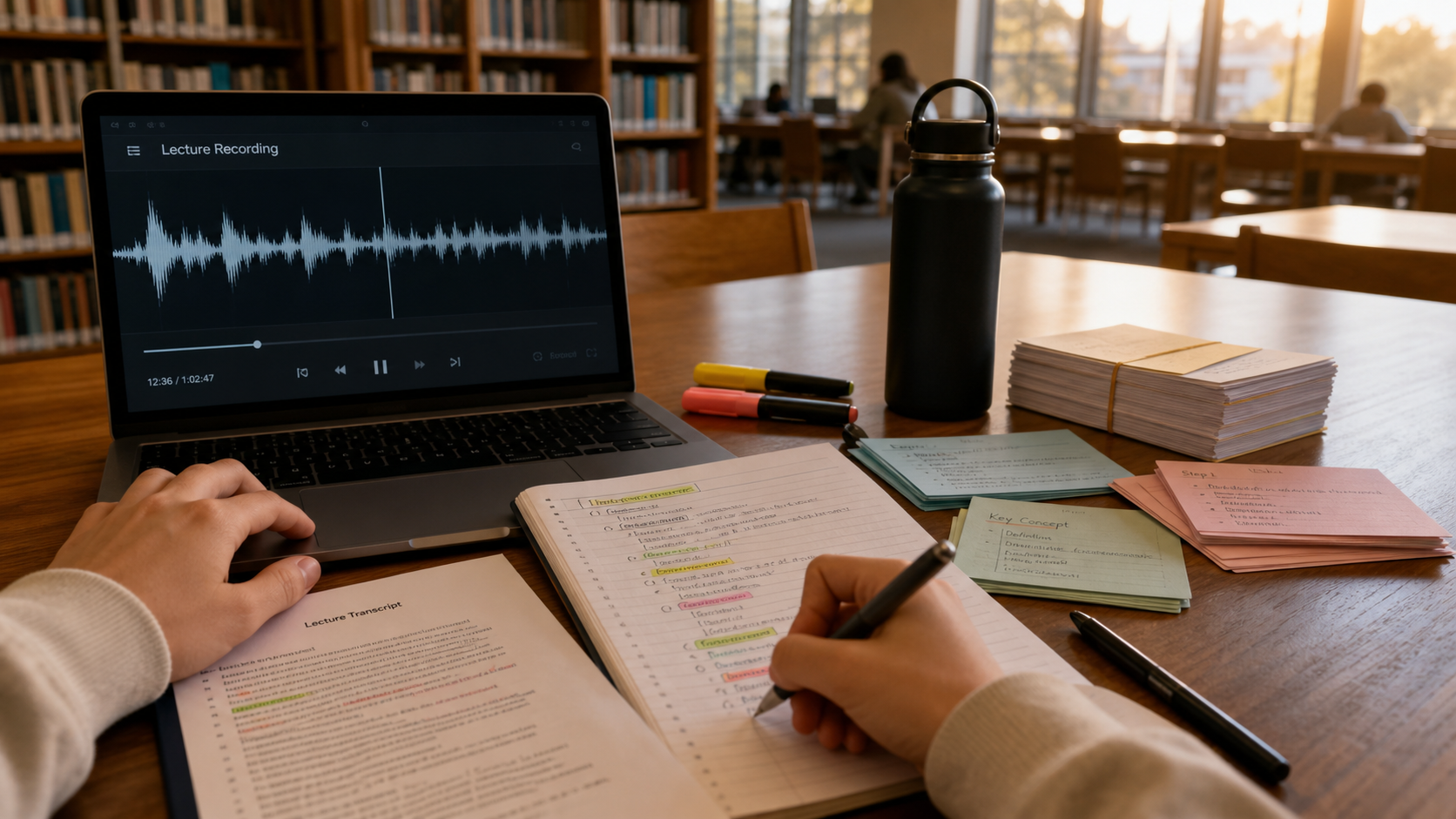
Follow a clear workflow to transcribe a lecture recording, verify the transcript, extract key ideas, and create study notes for active recall.
Start with a usable lecture recording
To turn a lecture recording into study notes, begin with audio that is clear enough to transcribe. Place the microphone near the sound source, reduce fan and keyboard noise, and avoid covering the computer's microphone. Always ask for permission before recording. A clean recording saves more time than any later editing technique because recognition quality depends heavily on the signal it receives.
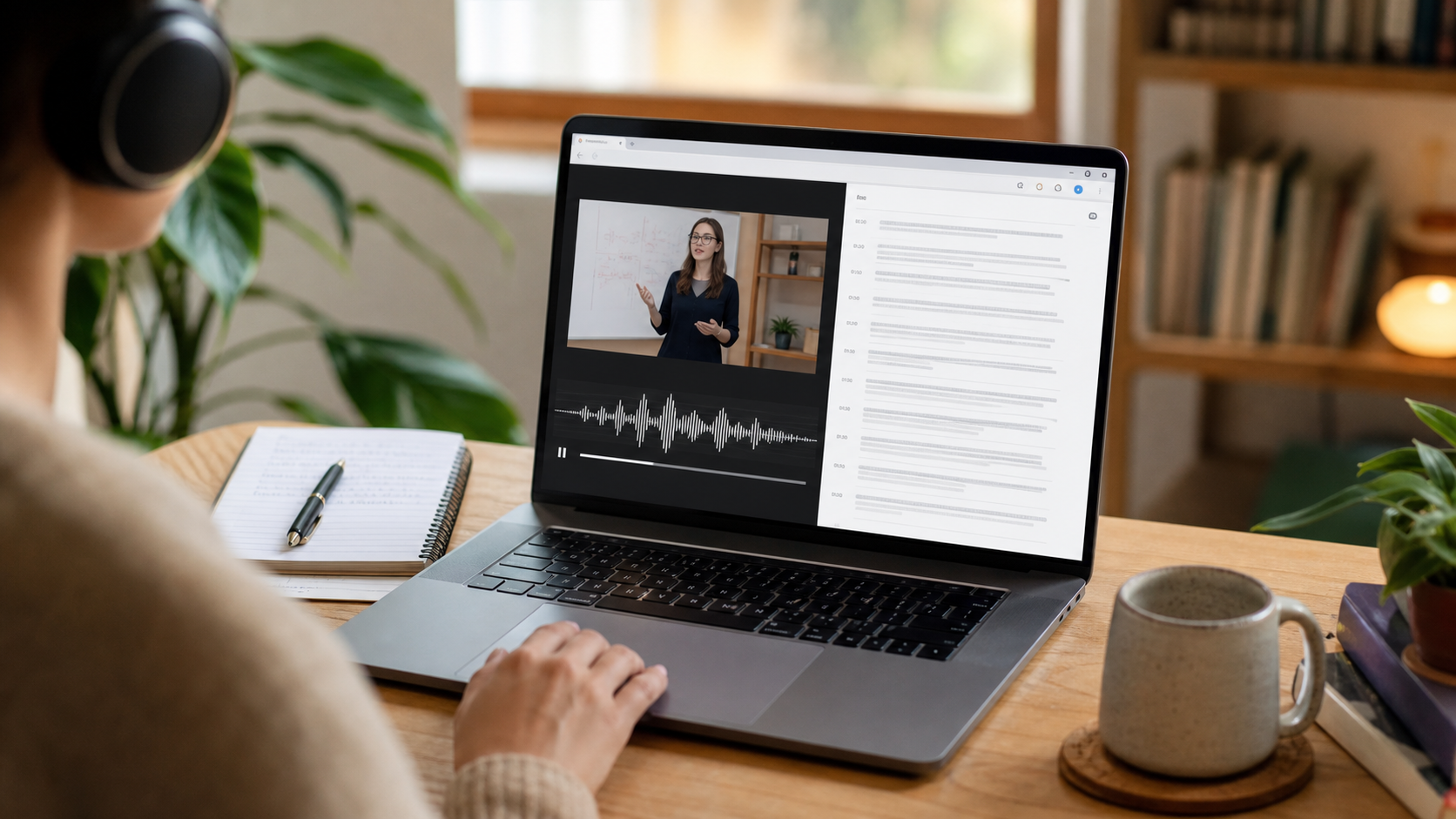
After class, process the recording and open the full transcript. Do not jump directly to a summary. Read the beginning, middle, and end, then correct the names, dates, formulas, and subject-specific words that matter to the lesson. Mark sections where the lecturer defines a concept, compares two ideas, explains a process, or signals an exam topic.
Convert the transcript into structured notes
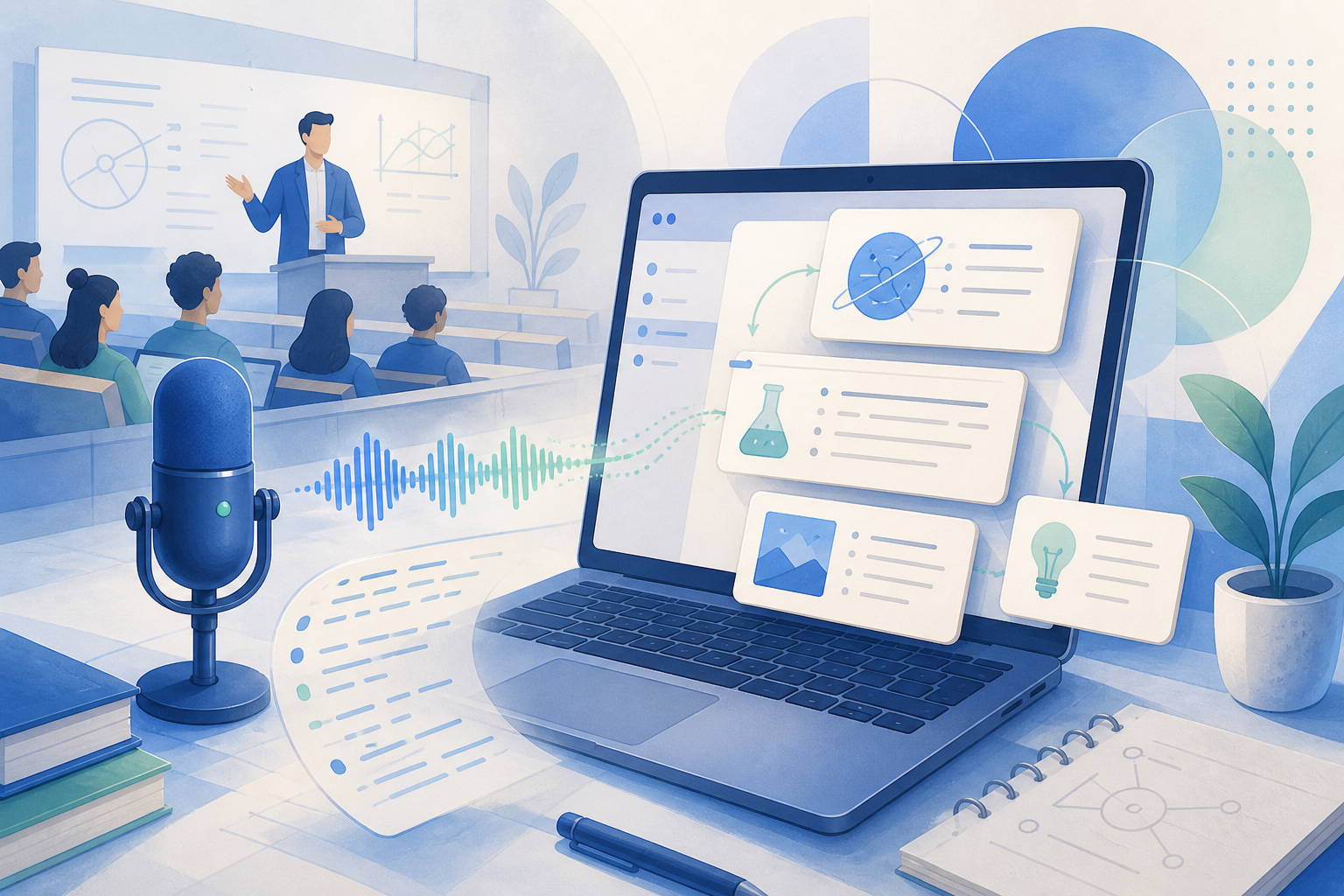
Build notes around the course's learning objectives rather than the recording's exact sentence order. Create a short heading for each major idea, add a plain-language explanation, and include one supporting example from the lecture. Keep uncertain statements linked to their transcript context so you can verify them later. GG Transcript's study-note and summary outputs can provide a starting structure, but the student should decide what is accurate and important.
Remove repetition, classroom logistics, and conversational filler unless they affect an assignment. Preserve cautions, exceptions, and contrasts because those details are often lost in overly short summaries. When a topic depends on a diagram or equation that audio cannot capture, insert a reminder to consult the slide deck or textbook instead of inventing missing information.
Study actively from the finished notes
Useful notes should prompt retrieval, not just rereading. Turn each section heading into a question, hide the explanation, and answer from memory. Create a small set of flashcards for definitions and relationships, then write one practice question that connects multiple concepts. Revisit the transcript only when your notes are unclear or you need the lecturer's original example.
Keep the final study notes concise enough to review but detailed enough to stand alone. A good test is whether you can explain the lecture to someone else without replaying the recording. The transcript remains your evidence layer; the notes become your learning layer. Together they make lecture review faster, more accurate, and easier to repeat before an exam.
Use a quality check before studying from generated notes
Generated study notes should pass three checks. First, every factual statement should be supported by the transcript or another course source. Second, important exceptions and qualifications should remain visible; a short summary that removes them can change the meaning of a concept. Third, the notes should match the lecturer’s learning objectives rather than merely listing topics in the order they were spoken. Read the notes once with the transcript open and mark any sentence that seems more confident or specific than the source. Correcting those sentences early prevents an error from becoming a memorized answer.
Next, compress the material deliberately. Write a one-sentence explanation for each major concept, one example, and one question you still cannot answer. Link difficult sections to the relevant timestamp, slide, or textbook page. This gives you a compact review document without breaking the chain back to evidence. The strongest result is not the longest set of notes. It is a set that helps you retrieve an idea, explain it clearly, and find the original context whenever you are unsure.
A study-note workflow you can repeat
Begin with the learning objective, not the transcript length. Ask the AI output to organize definitions, explanations, examples, and unresolved questions, then compare each important claim with the original wording. Add references to slides, readings, diagrams, or equations wherever audio alone is incomplete. Finish by rewriting the central idea without looking at the notes; if that is difficult, the material still needs another review pass.
Use the resulting notes to practice retrieval rather than rereading. Convert headings into questions, hide the answers, and explain each concept aloud. Mark answers that depend on uncertain transcription and return to the recording. This turns a transcript into an active study tool while keeping the original class context available when a generated note is too compressed.
A dependable routine for real work
The most useful way to apply turn a lecture recording into study notes is to keep the workflow small and observable. Start with a short test, confirm that the words on screen match the speaker, and decide what the final reader actually needs. A raw transcript, cleaned copy, summary, table, or question-and-answer page each serves a different purpose. Choosing one outcome before you process a long recording saves time and makes quality easier to judge.
Keep a human checkpoint between recognition and action. Listen again when a name, number, quotation, deadline, or safety instruction matters. Mark uncertainty instead of allowing a fluent sentence to hide it, and compare an AI-created result with the source before publishing or sending it. Automatic tools are excellent at reducing repetitive work, but they cannot know which detail is most consequential in your context.
A clear archive also improves future work. Use descriptive titles, the spoken language, and the project or course name so search can surface the right conversation months later. Store links to related documents when audio cannot preserve a diagram, screen, or formula. Delete temporary exports and old copies when they no longer serve the task, especially when the material contains information about other people.
Finally, review the result with the person who will use it. Ask whether the summary answers the question, whether actions have real owners, and whether the tone fits the audience. Feed that feedback into the next custom instruction rather than adding more words by default. A repeatable capture–review–share loop is what turns speech-to-text into dependable work.
Put the workflow into practice
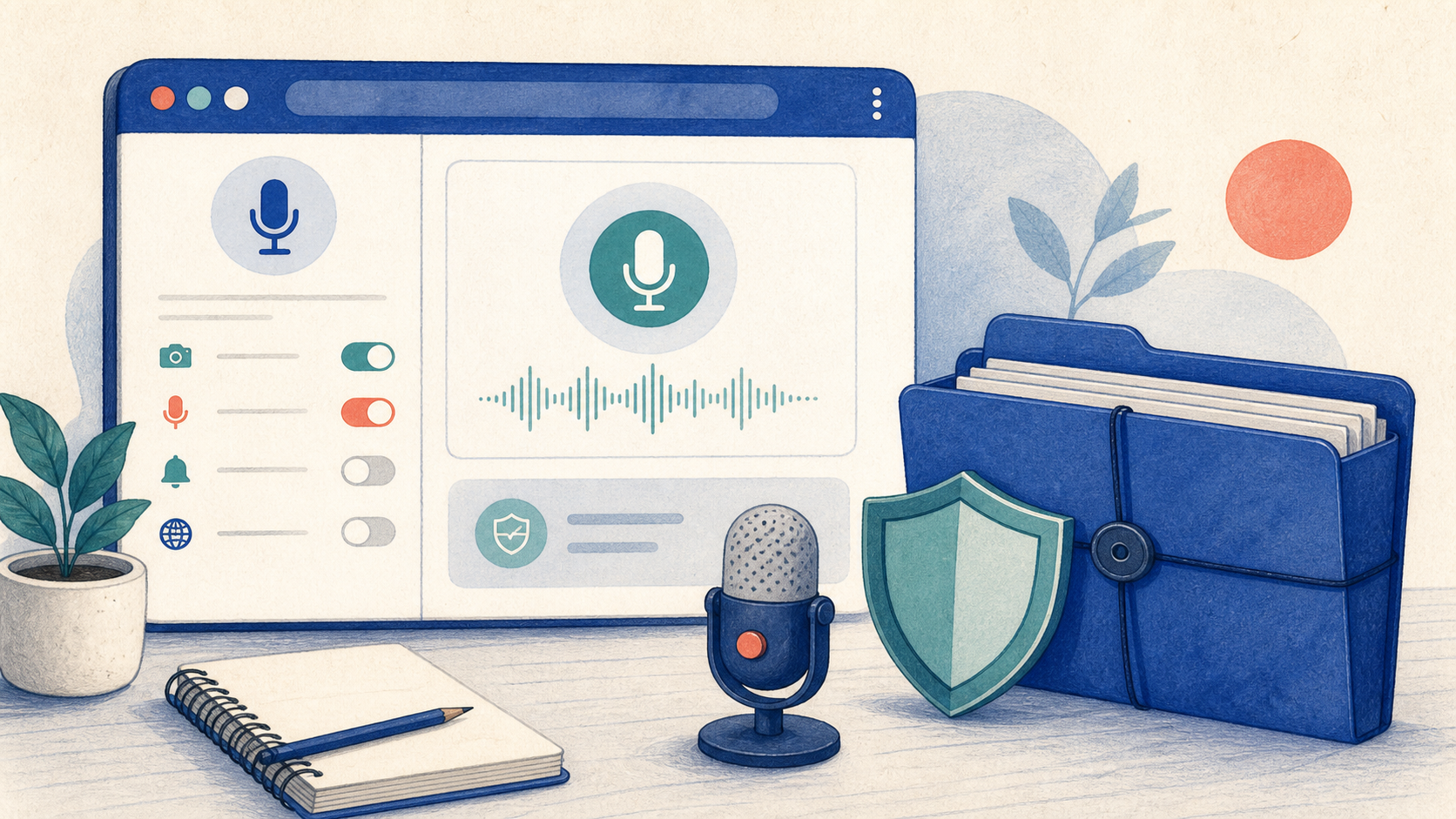
Open GG Transcript in Chrome, choose the input and language that fit your task, and begin with a short test recording. Read the step-by-step setup guide, compare plan features, and review the Privacy Policy before recording sensitive material.
Add GG Transcript to Chrome→