 GG Transcript
Best Free Transcription Software in 2026: What to Choose
Free transcription is useful only when its limits, recording method, export path, and privacy fit the work you actually need to finish.
 Harry Vu Le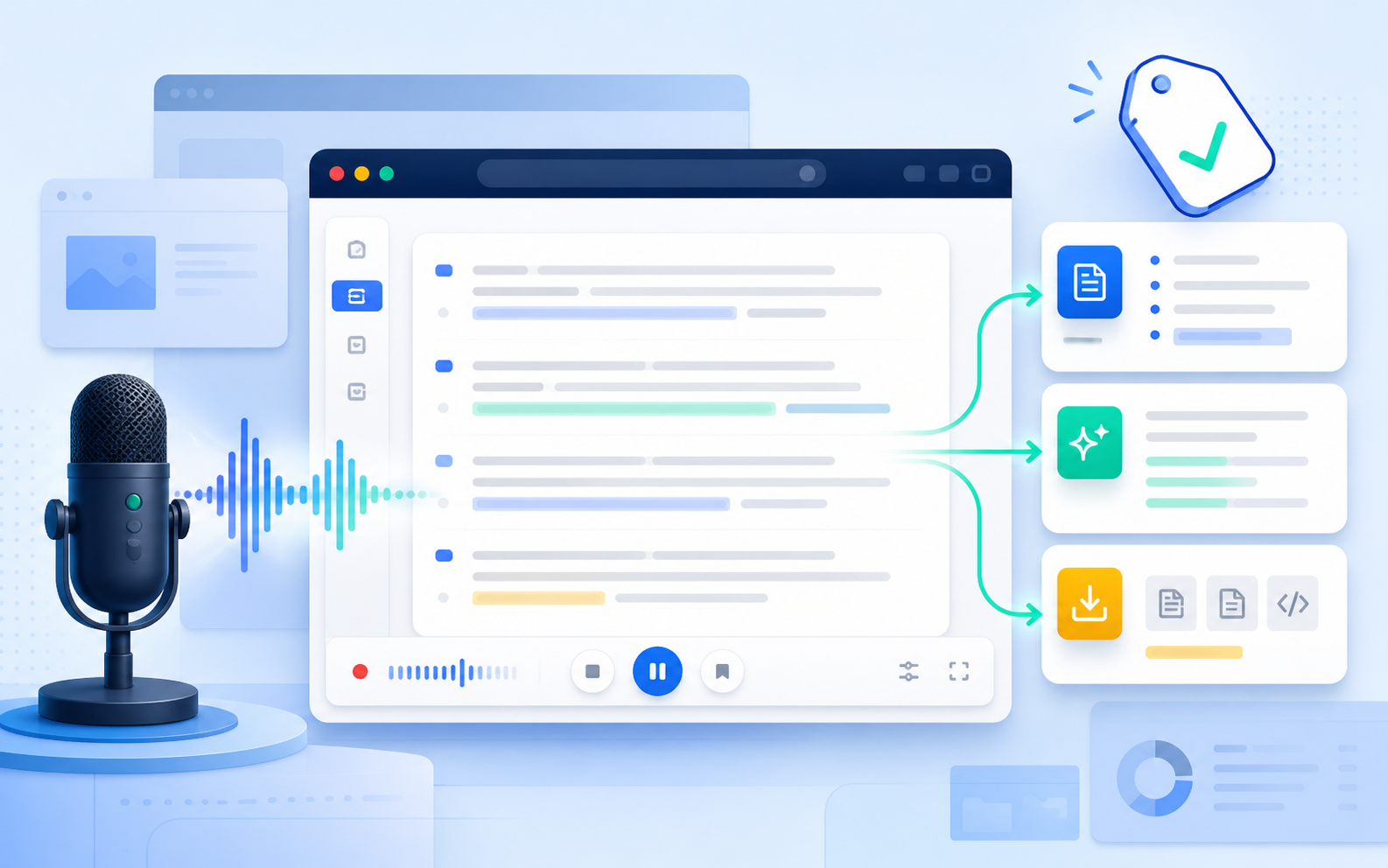
What free should really mean
Free transcription software can be genuinely useful, but “free” does not describe the whole product. One service may offer a limited number of minutes, another may restrict uploads, and another may provide dictation without saved history. The right choice depends on what must be recorded, how long the session lasts, and what should happen after the transcript appears.
For students, a free plan must survive a real lecture rather than a thirty-second demonstration. For professionals, it should make meeting details easy to recover. For writers, the fastest route may be direct voice typing. For creators, file upload and export can matter more than live captions. Comparing those workflows prevents a user from selecting a generous-looking plan that cannot handle the actual source.
The first check is capture method. Microphone transcription hears what reaches the selected input. A meeting bot joins or connects to a call. File transcription processes an existing recording. Browser voice typing writes directly into a document. These methods are not interchangeable, so confirm how the software receives the audio before evaluating anything else.
The second check is the complete free allowance. Look for session limits, monthly minutes, file-size restrictions, supported languages, export formats, history retention, and whether advanced summaries consume a separate quota. Provider pages change frequently, so verify the current plan instead of trusting an old comparison screenshot.
The third check is control. A dependable workflow should make it clear when recording begins, which language is active, where the transcript is stored, and how to remove or export it. Consent, organizational policy, and local recording law still apply when the software costs nothing.
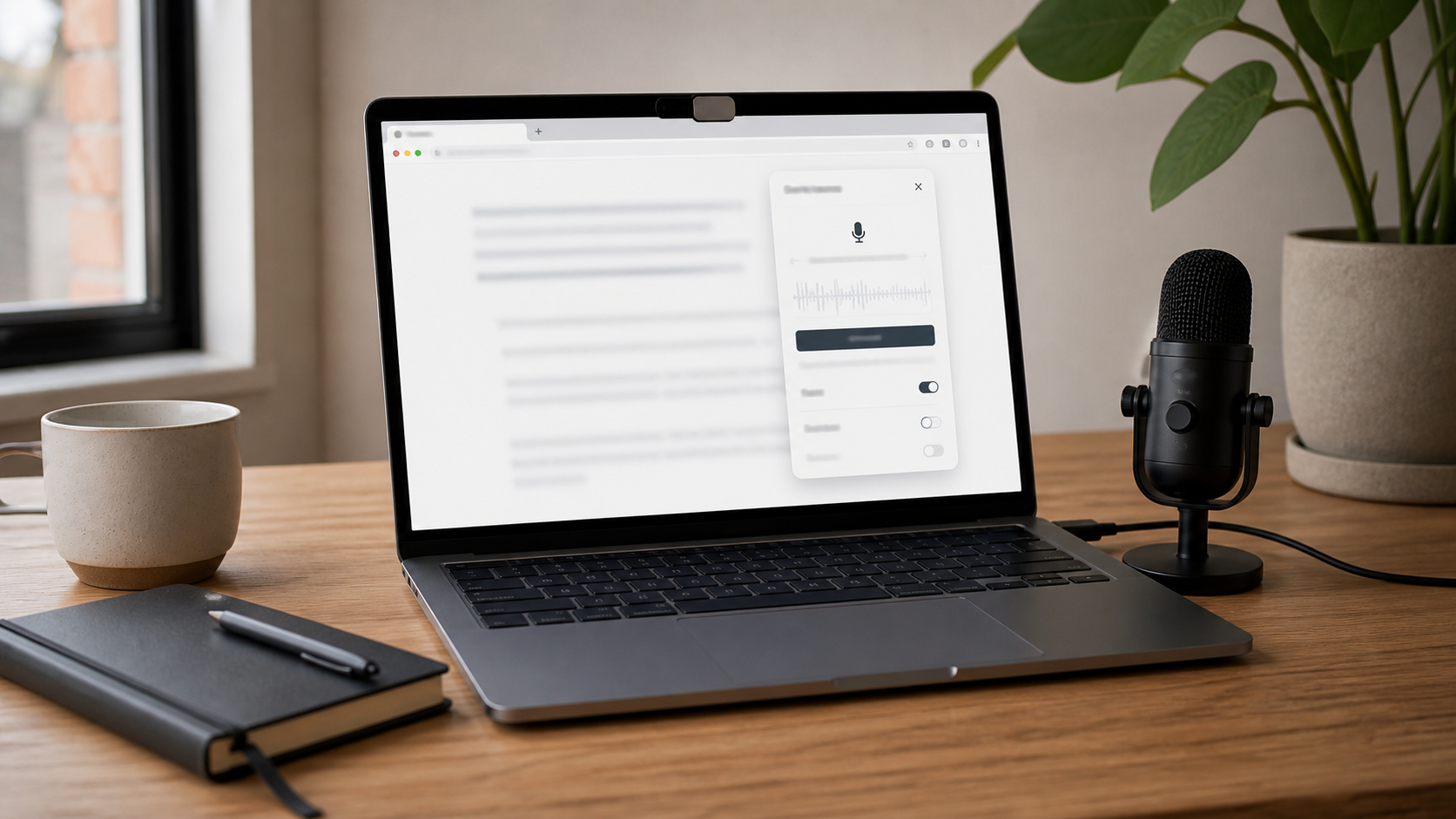
1. GG Transcript is our best free option for live browser work. The extension keeps recording controls and transcript output close to the task, making it suitable for lectures, spoken drafts, online research, and everyday conversations that become notes. Free users can begin with common languages and a practical browser workflow, then decide whether a paid plan is useful after testing the real experience.
Best free options by use case
2. Otter.ai Basic is a strong free starting point for meeting-centered users. Otter’s official site describes a free tier with meeting transcription and automated summaries, while paid plans add deeper capacity and collaboration. It is a better match when meetings should enter a dedicated searchable workspace; it may be more platform than necessary for a person who only wants a small transcript panel.
3. Google Docs voice typing is the simplest free choice for writing directly into a document. It works well for a rough essay, email draft, outline, or reflection that will immediately be edited in Google Docs. It is not designed as a general audio archive or meeting-transcription system, which is precisely why it can feel efficient for straightforward dictation.
4. ElevenLabs Scribe is worth testing when the source is an uploaded recording or multilingual media. The official product page offers a way to try speech-to-text and describes diarization, timestamps, and language support. Check the current free credit, file, and model limits before committing a long project, because API and media products often measure usage differently from personal note-taking tools.
5. Fireflies.ai is a practical free candidate for people who want meeting summaries and a path toward team integrations. Its platform supports meeting capture, search, speaker recognition, notes, and connected workflows. The free plan is most meaningful when those meeting features match the job; a solo voice-typing user may prefer a lighter tool.
Students should test a free transcription tool against the length and environment of a real class. Record a short section from the normal seat and microphone position, then search the result for names, formulas, vocabulary, and the lecturer’s central question. A clean demonstration recorded beside the laptop does not reveal how the system handles a distant speaker or noisy room.
Meeting users should decide whether they prefer visible personal capture or an automated meeting participant. A bot can make scheduled capture convenient, while a browser-first panel may feel less intrusive and remain useful outside formal calls. The team should know that transcription is happening, understand where the record goes, and agree on who can access it.
Avoid the common free-plan traps
Writers should judge the path from speech to revision. The fastest raw transcription is not automatically the fastest finished document. Test copying, punctuation cleanup, paragraph structure, and the ability to preserve the original meaning. AI outputs can help organize a draft, but they should not invent facts or remove qualifications from the source.
Creators and researchers should check export and source tracking. Save the recording title, URL, speaker, date, and useful timestamps beside the transcript. If a quotation, technical claim, or number will be published, verify it against the original audio. Free software can accelerate navigation, but it does not transfer responsibility for accuracy.
Language support deserves a real sample too. A list of supported languages does not guarantee equal performance across accents, code-switching, technical vocabulary, or microphone conditions. Use the language that will be recorded, speak naturally, and check whether changing the language is obvious before a session begins.
A common free-plan trap is counting minutes without examining session limits. A plan may advertise enough monthly time but cap each conversation below the length of a lecture. Another may support long meetings but restrict imports or exports. Translate every limit into the actual number of classes, calls, or recordings it can cover.
Another trap is confusing summaries with transcripts. A concise summary is useful for review, but it cannot replace the complete source when wording matters. Keep the raw transcript available, label generated text clearly, and review decisions, quotations, names, and figures before sharing an AI-created result.
Privacy deserves equal attention on free and paid plans. Read the current privacy policy, choose the smallest amount of audio necessary, avoid recording sensitive conversations without authorization, and delete copies that no longer serve a purpose. Do not assume “free” means local processing or “paid” means a particular security standard.
Build a dependable free workflow
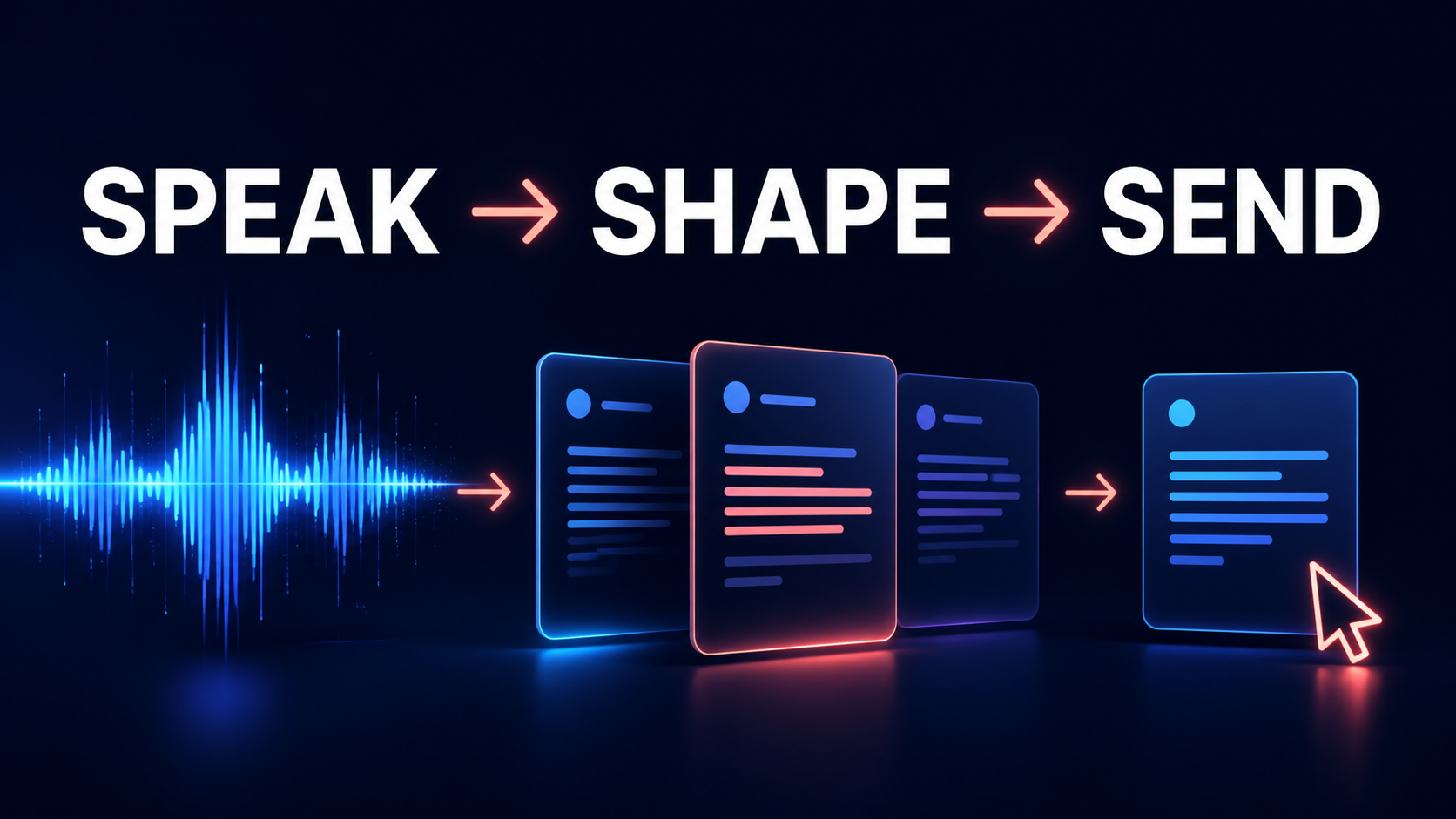
The best way to use free software is to create a small repeatable routine. Before recording, select the right source and language. During recording, confirm the input is active. Afterward, title the transcript, correct important details, create only the outputs that help the next task, and remove duplicate files.
For a student, that routine might produce a searchable transcript, a one-page outline, and five review questions. For a meeting, it might produce confirmed decisions, assigned actions, and unresolved issues. For voice typing, it might produce a rough draft followed by a human editing pass.
Start with GG Transcript when you want live text beside browser work and a direct route into history, copying, downloading, and AI outputs. Start with Otter or Fireflies when the main job is meeting automation. Start with Google Docs when the destination is already a document. Test ElevenLabs when uploaded multilingual audio or detailed speech processing is the priority.
Upgrade only after the free workflow proves its value. The right moment is when a real limit—minutes, history, languages, output options, or collaboration—blocks useful work. Paying before that test can buy capacity without solving the original problem.
Free transcription should reduce friction, not create a collection of disconnected recordings. The best free product is the one that gives a user enough real experience to decide whether speech-to-text belongs in the workflow at all.