 GG Transcript
How to Transcribe YouTube Videos in Chrome
A searchable transcript can make a long video easier to research, quote, and revisit—provided you capture only material you are allowed to process.
 Harry Vu Le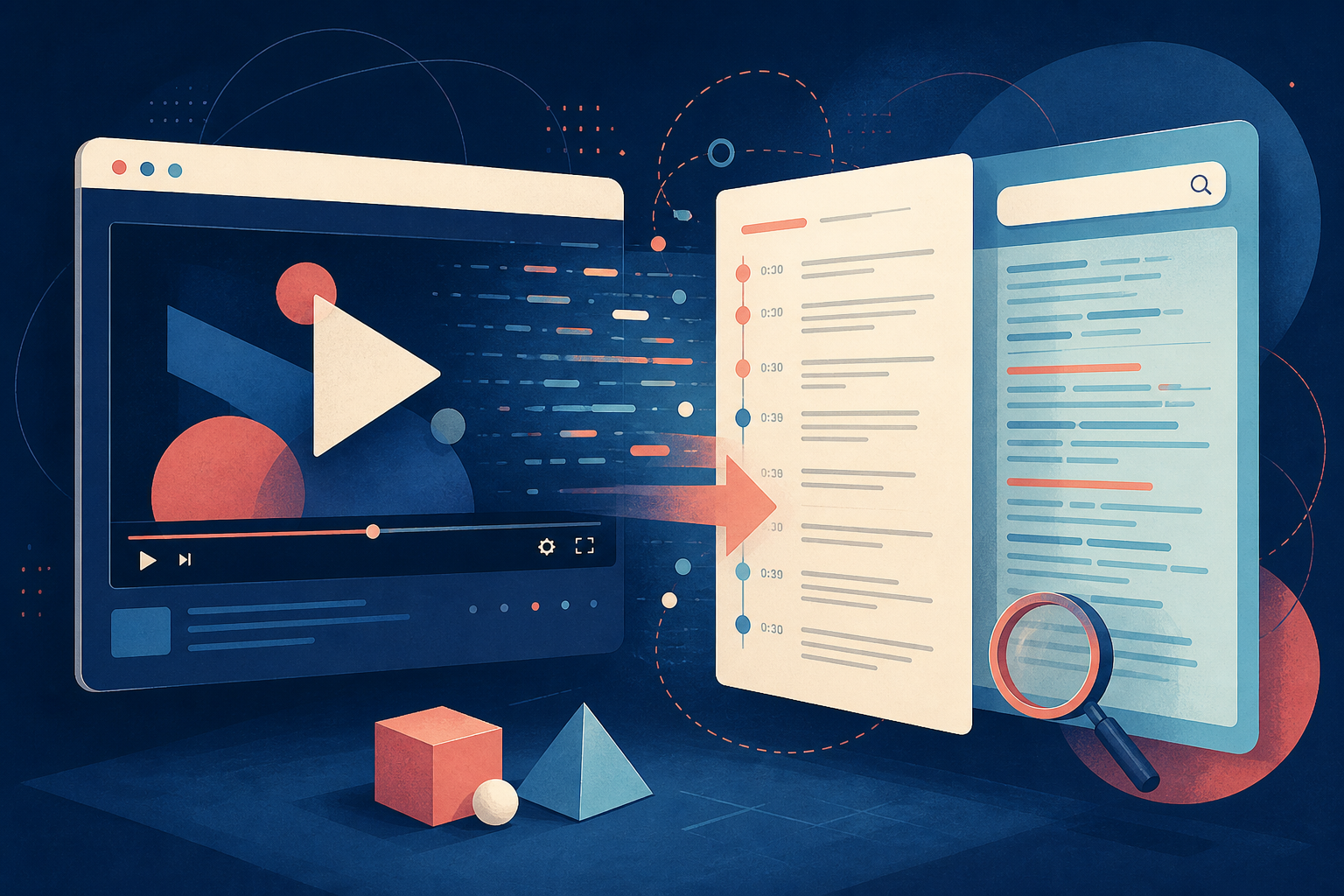
Learn a responsible workflow for transcribing YouTube videos in Chrome, checking permissions, and turning spoken video into searchable notes.
When a YouTube transcript is useful
Transcribing a YouTube video in Chrome can help when the video has no captions, when its existing captions are difficult to search, or when you need to compare several explanations. A transcript lets you search for a phrase, collect a source passage, and build notes without replaying the full video each time. It is particularly useful for lectures, tutorials, interviews, and research videos that you have permission to study.
Respect the creator's rights and the rules that apply to the video. Do not record private or restricted material without permission, and do not publish a transcript that the rights holder has not authorized. If YouTube already provides a transcript, use that official option when it meets your needs. A Chrome extension should support your research workflow, not bypass access controls.
Capture video speech clearly in Chrome
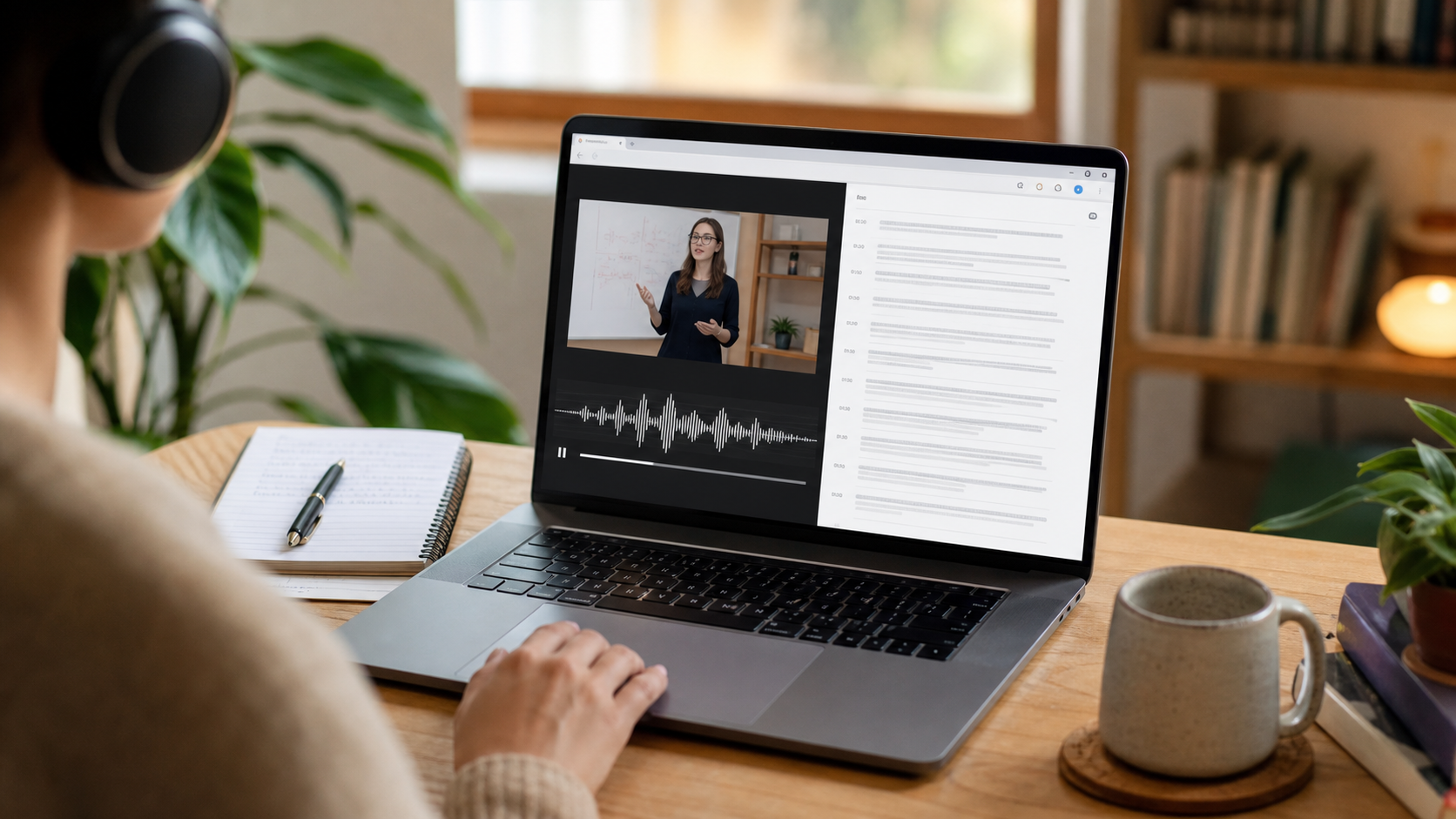
Before recording, open the video and choose the correct language in GG Transcript. Confirm the microphone or supported browser-audio setup, then run a short test while the speaker is talking. A laptop microphone near the speakers may work for a simple lesson, but room noise, music, and overlapping voices can reduce accuracy. Keep the video volume steady and avoid changing inputs during the session.
WebSpeech can display recognized words while speech is happening when Chrome supports the language and context. For supported complete-file processing, Deepgram can create a more polished transcript after recording stops. Check the first sample before capturing a long video, and stop promptly when the relevant section ends.
Create research notes from the video transcript
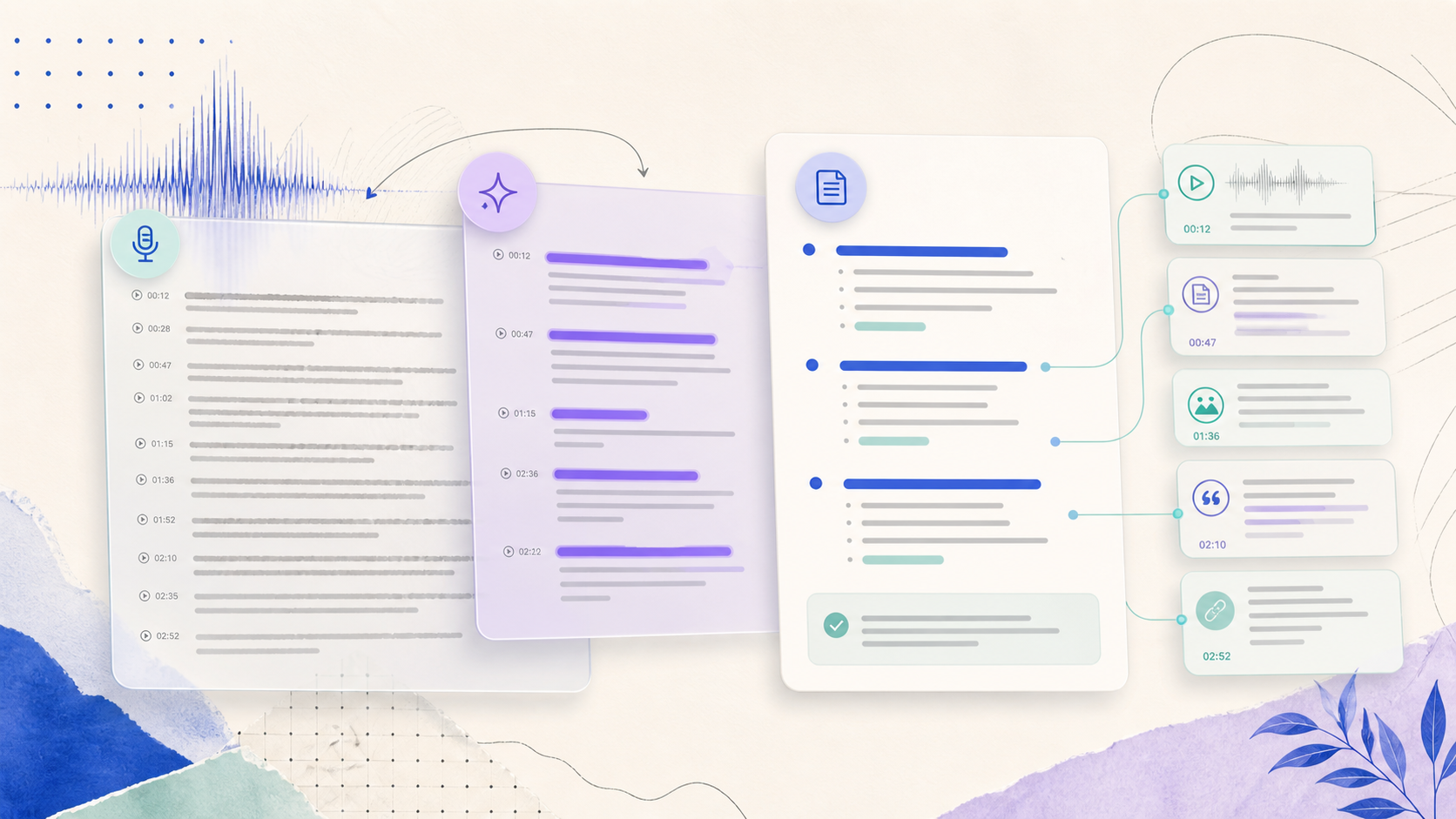
Review the transcript against the video before using it as evidence. Correct names, quotations, numbers, and technical terms, and mark the time range for passages you may cite. Then choose an output that fits your purpose: a summary for orientation, study notes for review, action items for a tutorial, or a custom format for a research project. A narrow prompt keeps the generated output easier to audit.
Store the title, source URL, date, and any permission note with the transcript. Keep the raw text separate from your interpretation so a future reader can tell what the speaker said. When the project is complete, delete unnecessary recordings and exports. This approach turns YouTube transcription into a responsible, searchable research record rather than an unstructured copy of someone else's work.
Keep the video source connected to your notes
When you use a YouTube transcript for research, save the video title, channel, URL, and relevant time ranges beside the text. This makes a claim verifiable and helps you return to the original context if recognition misses a word. Separate direct quotations from your own summary, and never treat a generated paragraph as a substitute for checking the speaker’s actual phrasing. A short source record also helps you respect licensing and sharing limits later.
Organize related videos with the same naming pattern so search can surface a topic across a project. Correct recurring names and specialist terms once, then reuse the approved spelling in notes and AI prompts. When the project is finished, remove temporary audio and duplicate exports that are no longer needed. A responsible video-transcription workflow combines useful retrieval with clear boundaries around the creator’s material.
A dependable routine for real work
The most useful way to apply how to transcribe youtube videos in chrome is to keep the workflow small and observable. Start with a short test, confirm that the words on screen match the speaker, and decide what the final reader actually needs. A raw transcript, cleaned copy, summary, table, or question-and-answer page each serves a different purpose. Choosing one outcome before you process a long recording saves time and makes quality easier to judge.
Keep a human checkpoint between recognition and action. Listen again when a name, number, quotation, deadline, or safety instruction matters. Mark uncertainty instead of allowing a fluent sentence to hide it, and compare an AI-created result with the source before publishing or sending it. Automatic tools are excellent at reducing repetitive work, but they cannot know which detail is most consequential in your context.
A clear archive also improves future work. Use descriptive titles, the spoken language, and the project or course name so search can surface the right conversation months later. Store links to related documents when audio cannot preserve a diagram, screen, or formula. Delete temporary exports and old copies when they no longer serve the task, especially when the material contains information about other people.
Finally, review the result with the person who will use it. Ask whether the summary answers the question, whether actions have real owners, and whether the tone fits the audience. Feed that feedback into the next custom instruction rather than adding more words by default. A repeatable capture–review–share loop is what turns speech-to-text into dependable work.
Use video transcripts as research notes, not a substitute for the source
A video transcript is a useful index for learning, but it cannot capture every visual cue, edit, chart, or on-screen demonstration. When a point depends on a slide, diagram, or visual example, record the timestamp and keep a link to the video. This makes your notes more useful to revisit and helps you explain where an interpretation came from. For material that will be quoted, published, or used in an assignment, check the wording against the original video before relying on it.
Respect the creator, the platform rules, and the permissions that apply to the material. Use a transcript to support study, analysis, and permitted work—not to remove context or bypass access controls. A careful workflow names the source, separates quotation from summary, and deletes temporary exports when they no longer serve the research task. Those habits make browser transcription both more credible and easier to manage.
Put the workflow into practice
Open GG Transcript in Chrome, choose the input and language that fit your task, and begin with a short test recording. Read the step-by-step setup guide, compare plan features, and review the Privacy Policy before recording sensitive material.
Add GG Transcript to Chrome→