 GG Transcript
Speech-to-Text Privacy Risks: How to Choose a Secure Tool
Before a microphone becomes a transcript, check where the audio goes, how long it remains available, and who can access the result.
 Harry Vu Le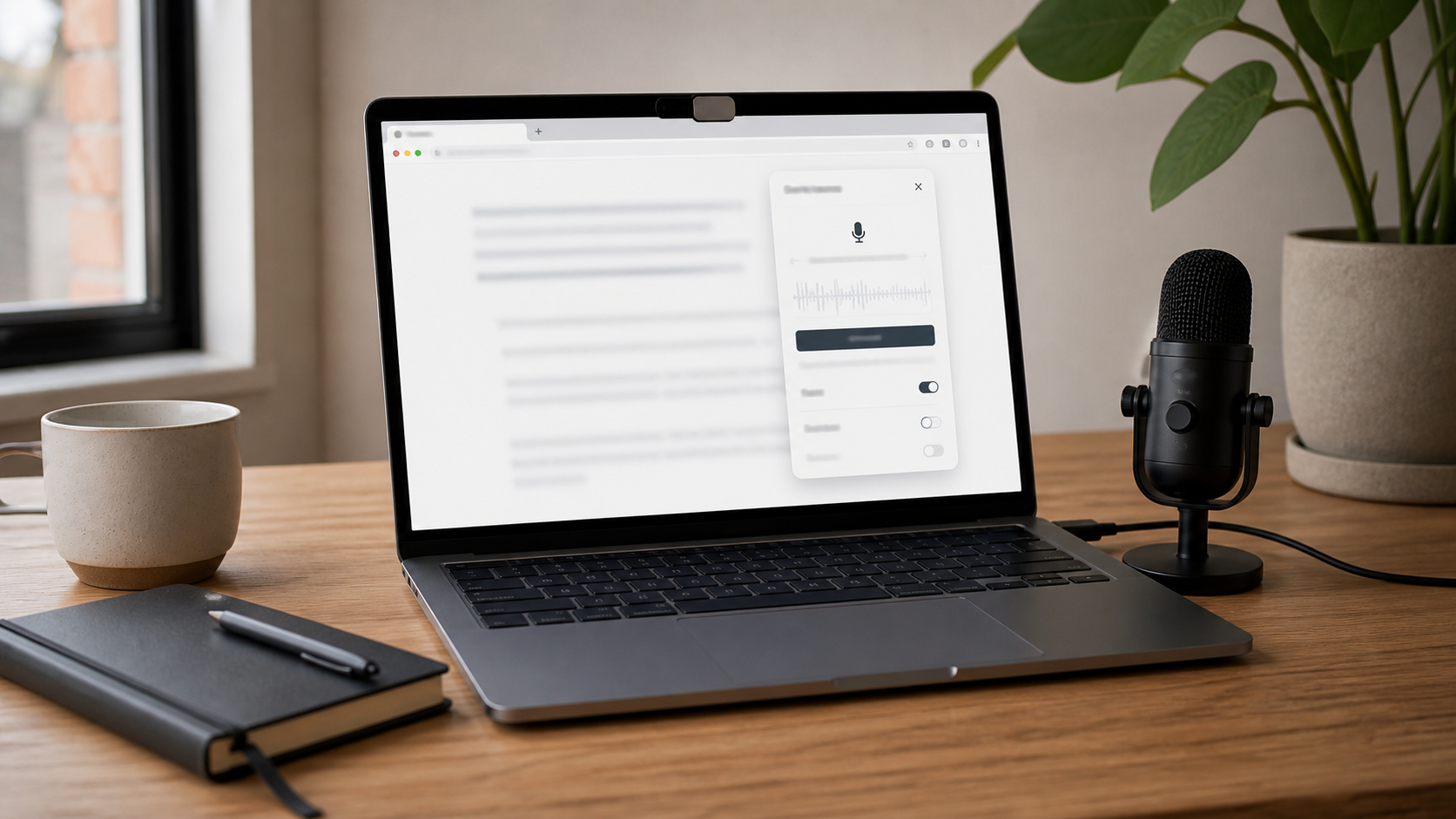
The privacy risks behind speech-to-text
Speech-to-text has quietly become part of everyday digital work. Students use voice typing to capture ideas before they disappear, professionals rely on transcription to remember important conversations, writers dictate rough drafts, and people using AI tools increasingly speak long prompts instead of typing them line by line. Yet the more useful speech-to-text becomes, the more important another question becomes: what happens to everything we say?
A speech-to-text Chrome extension can potentially handle some of the most personal information a person creates online. Spoken notes may contain unfinished thoughts, private conversations, business information, school assignments, research ideas, passwords accidentally mentioned during a call, or details that were never intended to become public. For that reason, privacy cannot simply be a sentence added to the bottom of a transcription website. It has to influence the way the product itself is designed.
The first speech-to-text privacy risk is unnecessary microphone access. A transcription tool needs an audio source, but that does not mean it should record continuously or request broader access than its workflow requires. Users should be able to recognize when capture begins, see whether recording is active, and stop it deliberately. A vague recording state creates risk even when the recognition itself is accurate because people cannot make an informed decision about what the tool is collecting.
The second risk is the data trail created after speech becomes text. Audio may pass through a recognition provider, the transcript may be stored in a browser or account, and an optional AI feature may send the text through another processing step. Account identifiers, titles, timestamps, exports, and shared links can remain sensitive even when the original recording is deleted. A useful privacy review therefore follows the entire path from microphone input to transcript, AI output, history, download, sharing, and deletion.
What makes a transcription tool secure
A secure speech-to-text tool should make recording status unmistakable. Look for an explicit Record control, a timer or live input indicator, and a separate Stop action. Closing a panel, switching tabs, or minimizing a window should not leave the user guessing about the microphone. The safest interface is not necessarily the one with the most warnings; it is the one whose normal controls make the current recording state obvious at a glance.
Next, examine where recognition and storage happen. Some products process audio through a cloud service, some use browser or operating-system recognition, and others can work locally or offline. None of those labels automatically guarantees security. Check what is transmitted, whether audio or text is retained, how deletion works, whether data is used to improve models, and whether the provider publishes terms that match the sensitivity of the work. For school or company material, the organization may also require an approved vendor or data-processing agreement.
Control over the transcript matters as much as control over the microphone. A user should know whether history is local or synchronized, how many copies exist, how to export their work, and how to remove recordings that are no longer needed. Sensitive transcripts should not be kept indefinitely merely because storage is available. Clear retention choices reduce exposure and prevent old conversations from accumulating in accounts, shared devices, download folders, or team workspaces.
AI processing should also be a separate, understandable choice. Speech recognition converts audio into text; summarization, question answering, and action-item extraction transform that text again. A person who needs only a raw transcript should not have to submit it for unrelated AI processing. When AI is useful, review the result against the source because a polished summary can still misstate a name, number, commitment, or confidential detail.
Secure speech-to-text alternatives
One secure alternative is local or offline transcription for material that should not leave the device. This approach can reduce network transfer, but users still need device encryption, safe backups, and controlled exports. Local processing may also require more computing power and may support fewer languages or features. It is a strong option when minimizing external processing matters more than cloud synchronization or advanced collaboration.
A second alternative is browser-native or operating-system dictation for short personal drafts. It may be simpler than installing a full meeting platform and can work well when the user only needs words on the screen. However, native dictation, live captions, and saved transcription are different products: some display temporary captions without creating reusable history, while others create documents or synchronized records. Choose according to whether the task needs temporary visibility, an editable transcript, or long-term search.
A third alternative is an enterprise transcription provider with documented access controls, retention settings, audit features, and contractual privacy commitments. That can be more appropriate for a managed workplace than a consumer extension, particularly when administrators need centralized controls. The trade-off is a larger system, additional setup, and often a higher price. Security is contextual: the right choice for a private voice note may not be the right choice for regulated meetings or a shared company archive.
When comparing private transcription alternatives, use a practical checklist instead of trusting a label such as “secure” or “privacy-first.” Confirm the recording trigger, microphone permissions, processing location, retention period, deletion method, AI policy, account security, export behavior, and support contact. Then match those answers to the actual content being recorded. Public webinar notes, a private journal, a student discussion, and a confidential business call should not automatically use the same workflow.
How GG Transcript approaches control
For GG Speech, privacy is therefore not a separate feature competing with transcription speed, AI outputs, or voice typing. It is part of the same product philosophy. Users should know when transcription is happening. They should decide when AI is involved. Their transcripts should remain useful to them after recording ends, and the extension should fit beside the tools they already use rather than asking them to reorganize their entire workflow.
Speech-to-text is becoming a more natural way to interact with computers, particularly as AI makes long-form instructions, notes, and conversations increasingly valuable. As that shift continues, private speech-to-text will matter more, not less. Voice is one of the most direct ways we express ideas, and a tool that converts those ideas into text should treat them accordingly.
GG Speech was built around that simple belief: speech-to-text should make working faster without making users give up control over the words they create.