 GG Transcript
Voice Typing vs Keyboard Typing: Which Is Faster?
Speech is strong for speed and idea capture. The keyboard remains strong for precision and final editing.
 Harry Vu Le
Two tools for different stages
The debate between voice typing and traditional typing often begins with a simple question: which one is faster? The answer depends less on how quickly someone can move their fingers and more on what kind of writing they are trying to produce. Typing is excellent for precision, editing, and structured work. Voice typing is often better when thoughts are arriving faster than the keyboard can comfortably capture them.
This distinction explains why speech-to-text is becoming increasingly useful for modern writing. People are not necessarily replacing the keyboard. They are using voice typing at the stages where speaking feels more natural and returning to the keyboard when detailed control becomes important.
Traditional typing works extremely well for final editing. A writer can move individual words, change punctuation, restructure sentences, and control formatting precisely. Coding, tables, short corrections, and careful revision are also generally easier with a keyboard.
The difficulty appears earlier in the writing process. Generating ideas and polishing those ideas are different mental activities, yet typing often forces people to perform both simultaneously. Someone beginning an essay may know what they want to argue but become stuck trying to make the first sentence perfect.
Voice typing allows that person to separate thinking from editing. Instead of staring at the blank page, the writer can simply explain the idea aloud.
Speak through the blank page
A student might say that the main argument of an essay is that a particular policy changed economic incentives before it changed behavior, then continue explaining the evidence they plan to use. That speech may not look like final academic writing when transcribed, but it has already solved the hardest problem: the idea is now on the page.
GG Speech can turn that spoken explanation into editable text. The user can then refine the structure with the keyboard rather than trying to invent and perfect the argument at the same moment.
AI prompting makes the difference between voice typing and keyboard typing even more noticeable. Good AI prompts frequently require detailed context. A user may need to explain what they are working on, what has already been attempted, the constraints of the task, examples of acceptable output, and specific instructions about what the AI should avoid.
Speaking that explanation can feel much more natural than typing it. Instead of reducing the prompt to a few vague sentences because writing everything feels tedious, the user can provide richer context through speech-to-text.
The transcript can then be reviewed before being used with ChatGPT, Gemini, Claude, or another AI tool. Voice typing therefore does not remove the user's control. It simply makes the first stage faster.
Use voice for context-rich writing
Email writing benefits for the same reason. Many people know exactly what they need to communicate but spend several minutes composing the message sentence by sentence. Speaking the basic message first can produce a rough transcript much more quickly. The writer can then edit the text into the appropriate tone.
Notes may benefit even more because they rarely require polished prose. Research observations, study ideas, project reminders, feedback, and quick thoughts are often valuable primarily because they preserve information. If speaking allows someone to capture the idea before it disappears, voice typing has already done its job.
The browser environment makes this workflow more useful because writing increasingly happens across several applications. A person may have Google Docs open in one tab, an AI assistant in another, and research material in a third. Constantly switching to a separate transcription website would reduce the convenience of speech-to-text.
GG Speech uses a sidebar and floating panel so voice typing can stay close to the existing browser workflow. The user can dictate a thought, obtain the text, and continue working without rebuilding the workspace around the transcription tool.
There is also a physical dimension to voice typing. Long periods of keyboard use can become tiring, particularly for people who spend most of the day writing. Speech offers an alternative input method that can reduce how much text must be entered manually. It will not be suitable for every environment, but having the option can make long writing sessions more flexible.
Combine speech speed with keyboard control
The strongest comparison between voice typing and typing therefore does not produce a single winner. Speech is better for speed, brainstorming, long explanations, rough drafts, and detailed AI prompts. The keyboard is better for precision, corrections, formatting, and final editing.
The best workflow uses both.
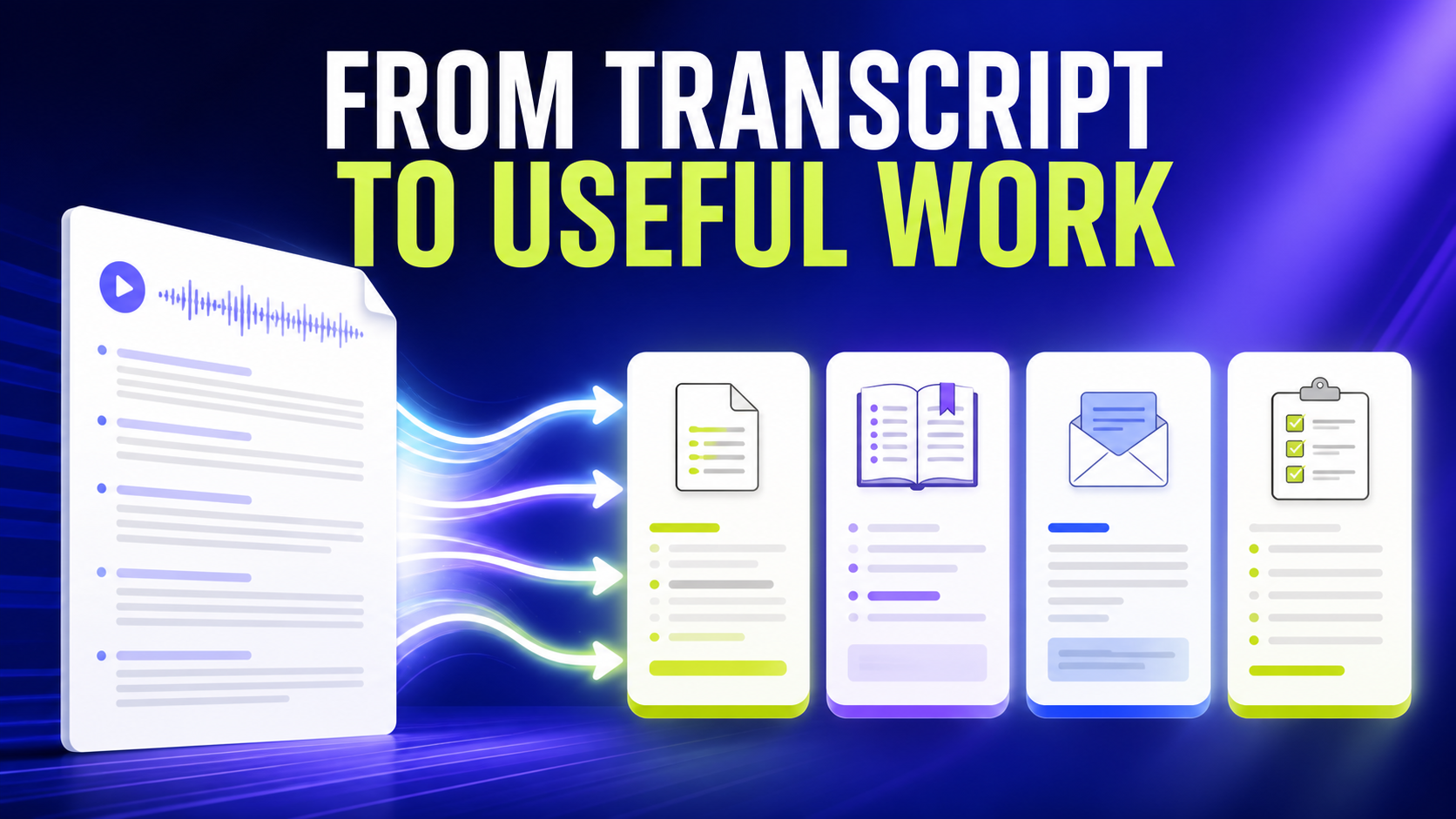
GG Speech was designed around that idea. Speak when the idea is moving quickly. Let speech-to-text capture it. Use the keyboard when the time comes to refine the result. If the transcript needs further organization, AI can turn it into notes, summaries, emails, or another structured format.
Productivity does not always come from performing the same action faster. Sometimes it comes from choosing a different action entirely.
When speaking is easier than typing, voice typing gives the user that choice.