 GG Transcript
Speech-to-Text Chrome Extension for Lectures
A lecture transcript is most useful when it helps you listen in class, verify details later, and build better notes without replacing active learning.
 Harry Vu Le
Learn how to record lectures, create accurate transcripts, and turn class audio into searchable notes with a speech-to-text Chrome extension.
Why use a speech-to-text Chrome extension for lectures?
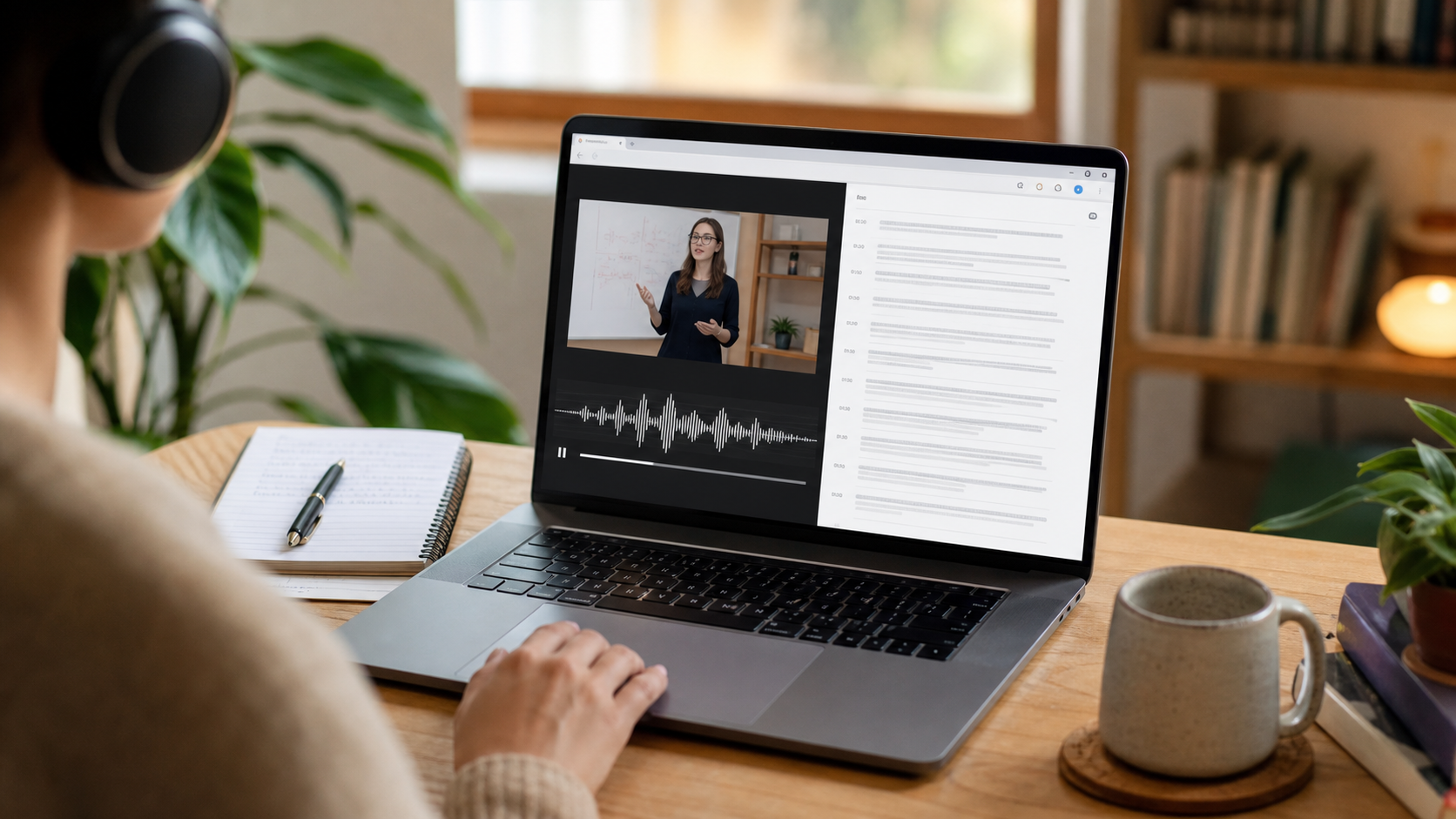
A speech-to-text Chrome extension for lectures gives students a searchable record of explanations that are difficult to capture by hand. Instead of trying to copy every sentence, you can focus on the lecturer's argument, examples, and diagrams while the extension creates a running transcript. That transcript becomes a second reference after class: search a key term, revisit a definition, or confirm the wording of an assignment without replaying an entire recording.
The best workflow still includes active note-taking. Write down questions, mark important moments, and use the transcript to fill gaps afterward. This combination is more reliable than treating an automatic transcript as a finished set of notes. Speech recognition can mishear names, formulas, or specialist vocabulary, so students should review important passages against the lecture context before studying from them.
How to transcribe a lecture in Chrome
Before class, open GG Transcript, choose the spoken language, and confirm the correct microphone. WebSpeech is useful for immediate text while you speak or listen through an available input. Deepgram is designed for a more polished complete-file transcription workflow when supported by your plan. Start recording only after the lecturer has given permission and keep the computer close enough to capture clear audio without blocking other students.
When the lecture ends, stop the recording and give the transcript a descriptive title such as the course, topic, and date. Scan the first minute to make sure the audio source was captured correctly. Then correct course-specific terms, speaker names, equations, and citations. A small amount of cleanup makes later search and AI-assisted organization much more dependable.
Turn the lecture transcript into study material
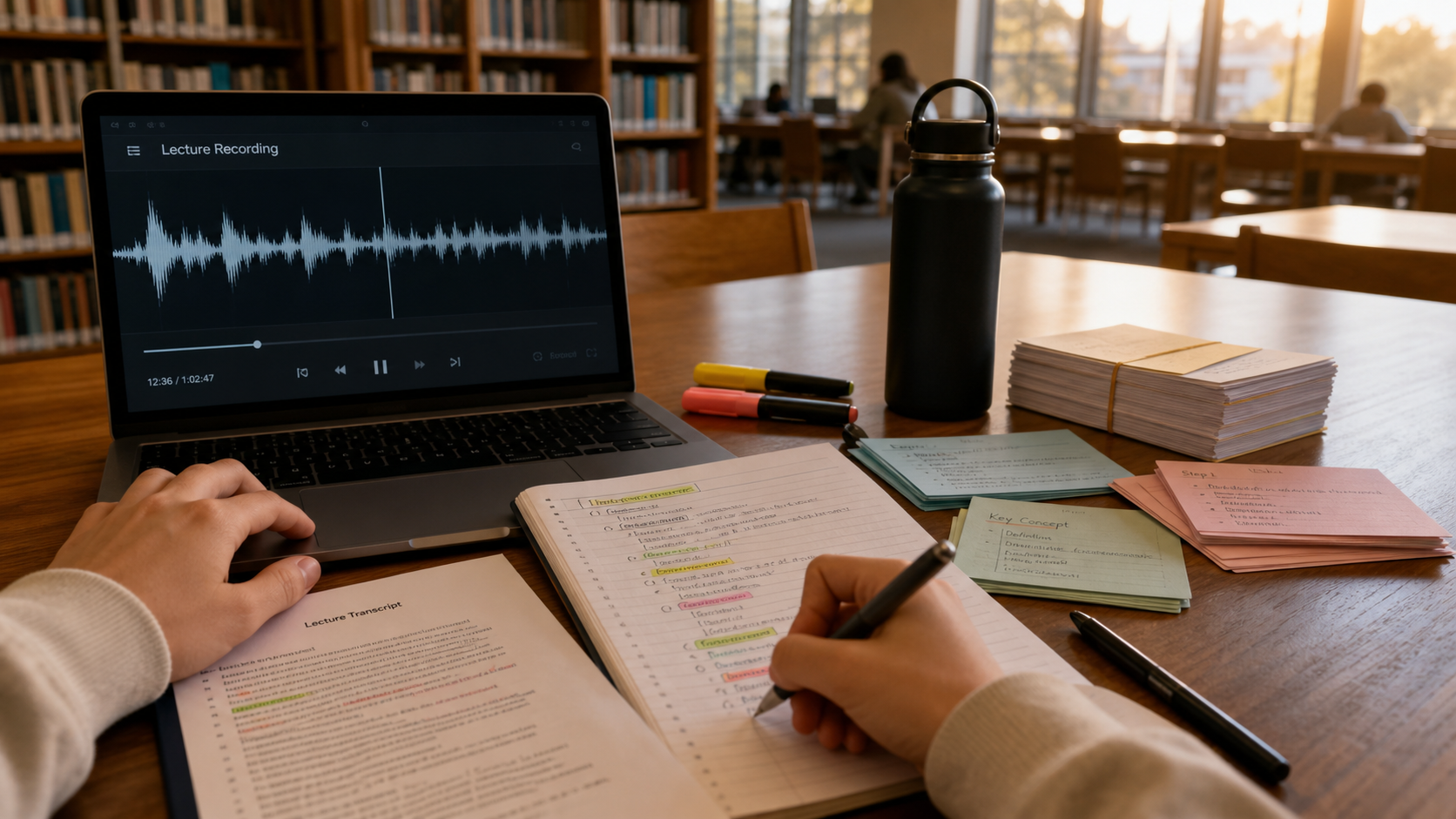
A raw lecture transcript is evidence of what was said; study notes are a selective explanation of what matters. Use a curated transcript to remove obvious repetition, then create a summary, action items, or study notes. Keep the original transcript visible so you can verify every generated point. For difficult topics, ask questions that are answerable from the transcript, such as which causes the lecturer compared or which steps appeared in a process.
Finish by creating a short review routine. Within twenty-four hours, highlight core concepts and unresolved questions. Before the next class, turn those concepts into prompts for recall rather than repeatedly rereading the whole transcript. GG Transcript can reduce the mechanical work of finding and organizing information, but your judgment decides what belongs in the final notes.
Build a review system that survives the semester
A transcript becomes more valuable when every class follows the same naming and review pattern. Use a title that includes the course, topic, and date, then add the lecturer’s main question near the top of your notes. During the weekly review, search across transcripts for recurring terms and compare how the lecturer develops them over time. This is especially useful in courses where an early definition later becomes part of a more complex argument. The goal is not to archive every spoken sentence forever; it is to make the right explanation findable when an assignment or exam requires it.
Before an exam, work from questions rather than from the full transcript. Ask what the lecturer compared, which evidence supported a claim, and where an exception changed the rule. Verify the answer against the transcript, then rewrite it in your own words. This creates a practical loop between capture, retrieval, and understanding. If a class includes diagrams, demonstrations, or equations, add links to those visual sources because audio alone cannot preserve them. A dependable study system treats transcription as one layer of the evidence, not as a replacement for the rest of the course material.
A practical lecture capture checklist
Before class, confirm that recording is permitted, choose the correct language, and run a ten-second microphone test. During class, add brief written markers for diagrams, formulas, or demonstrations that audio cannot preserve. After class, correct names and specialist terms before generating study notes. Finally, write three questions from memory and use the transcript only to check the gaps. That sequence keeps the tool focused on learning rather than passive collection.
At the end of each week, archive only the recordings that still support an assignment, examination topic, or ongoing project. Give each saved item a descriptive title and connect it to the relevant slides or reading. A consistent archive is easier to search than a large folder of “untitled recording” entries, and it reduces the chance that an important explanation disappears among material you no longer need.
A dependable routine for real work
The most useful way to apply speech-to-text chrome extension for lectures is to keep the workflow small and observable. Start with a short test, confirm that the words on screen match the speaker, and decide what the final reader actually needs. A raw transcript, cleaned copy, summary, table, or question-and-answer page each serves a different purpose. Choosing one outcome before you process a long recording saves time and makes quality easier to judge.
Keep a human checkpoint between recognition and action. Listen again when a name, number, quotation, deadline, or safety instruction matters. Mark uncertainty instead of allowing a fluent sentence to hide it, and compare an AI-created result with the source before publishing or sending it. Automatic tools are excellent at reducing repetitive work, but they cannot know which detail is most consequential in your context.
A clear archive also improves future work. Use descriptive titles, the spoken language, and the project or course name so search can surface the right conversation months later. Store links to related documents when audio cannot preserve a diagram, screen, or formula. Delete temporary exports and old copies when they no longer serve the task, especially when the material contains information about other people.
Finally, review the result with the person who will use it. Ask whether the summary answers the question, whether actions have real owners, and whether the tone fits the audience. Feed that feedback into the next custom instruction rather than adding more words by default. A repeatable capture–review–share loop is what turns speech-to-text into dependable work.
Put the workflow into practice
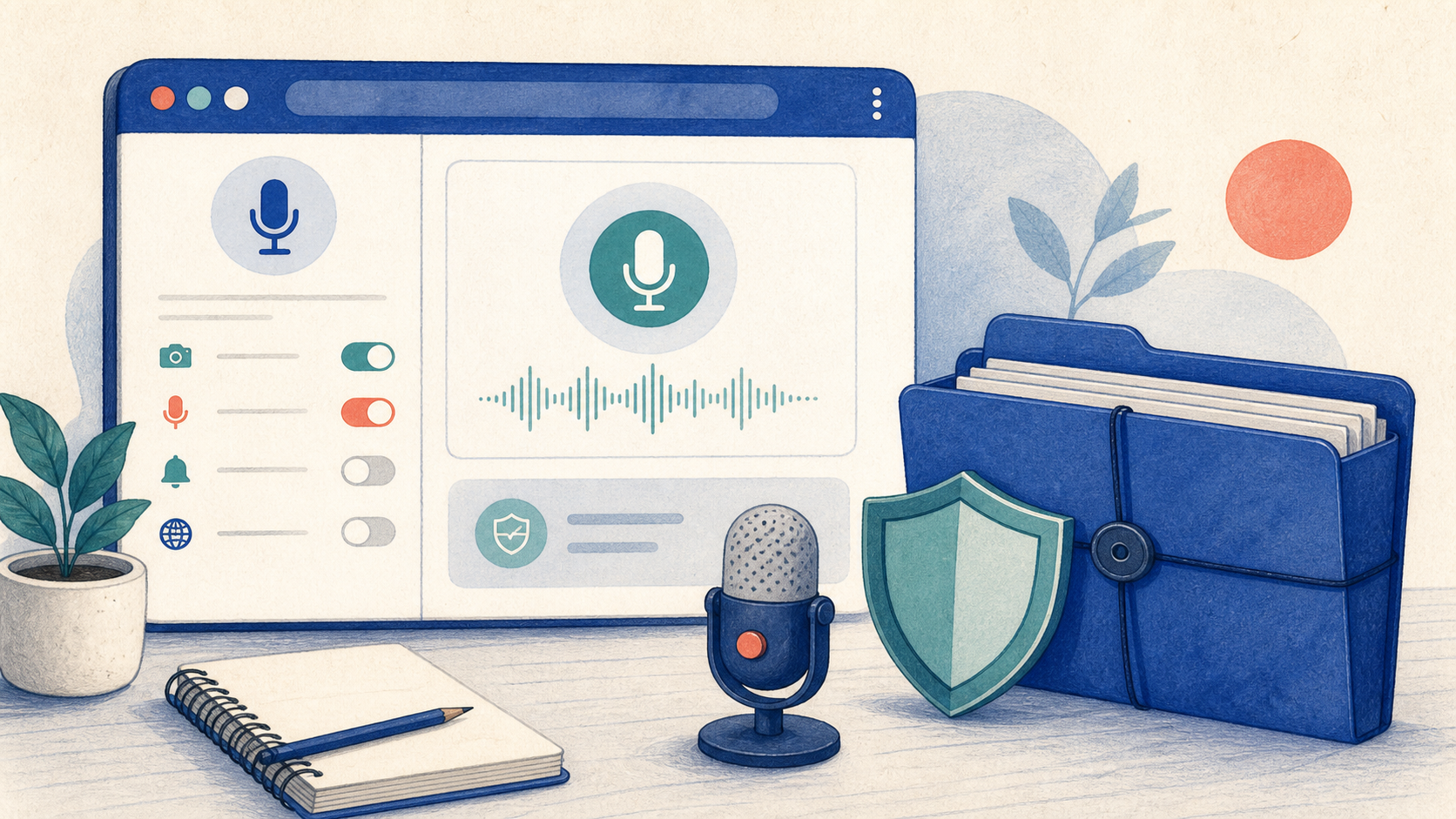
Open GG Transcript in Chrome, choose the input and language that fit your task, and begin with a short test recording. Read the step-by-step setup guide, compare plan features, and review the Privacy Policy before recording sensitive material.
Add GG Transcript to Chrome→