 GG Transcript
Interview Transcription Chrome Extension
Good interview transcription preserves the speaker's meaning while giving you a reliable way to find, verify, and reuse the conversation.
 Harry Vu Le
Use a Chrome extension for interview transcription to capture clear speech, review names and quotes, and organize a searchable interview record.
Prepare an interview for accurate transcription
A Chrome extension for interview transcription works best when the recording setup is simple and deliberate. Tell the participant that you are recording, obtain the permission your context requires, and choose a quiet location. Place the microphone where both voices can be heard without clipping. Write down the correct spelling of names, organizations, and specialist terms before the conversation starts.
Open GG Transcript, select the spoken language, and make a short test recording. Read the result back to the participant if the interview is especially important. If the transcript is missing words, reduce background noise, move closer to the microphone, or choose a better input before recording the full session.
Review the interview transcript before publishing
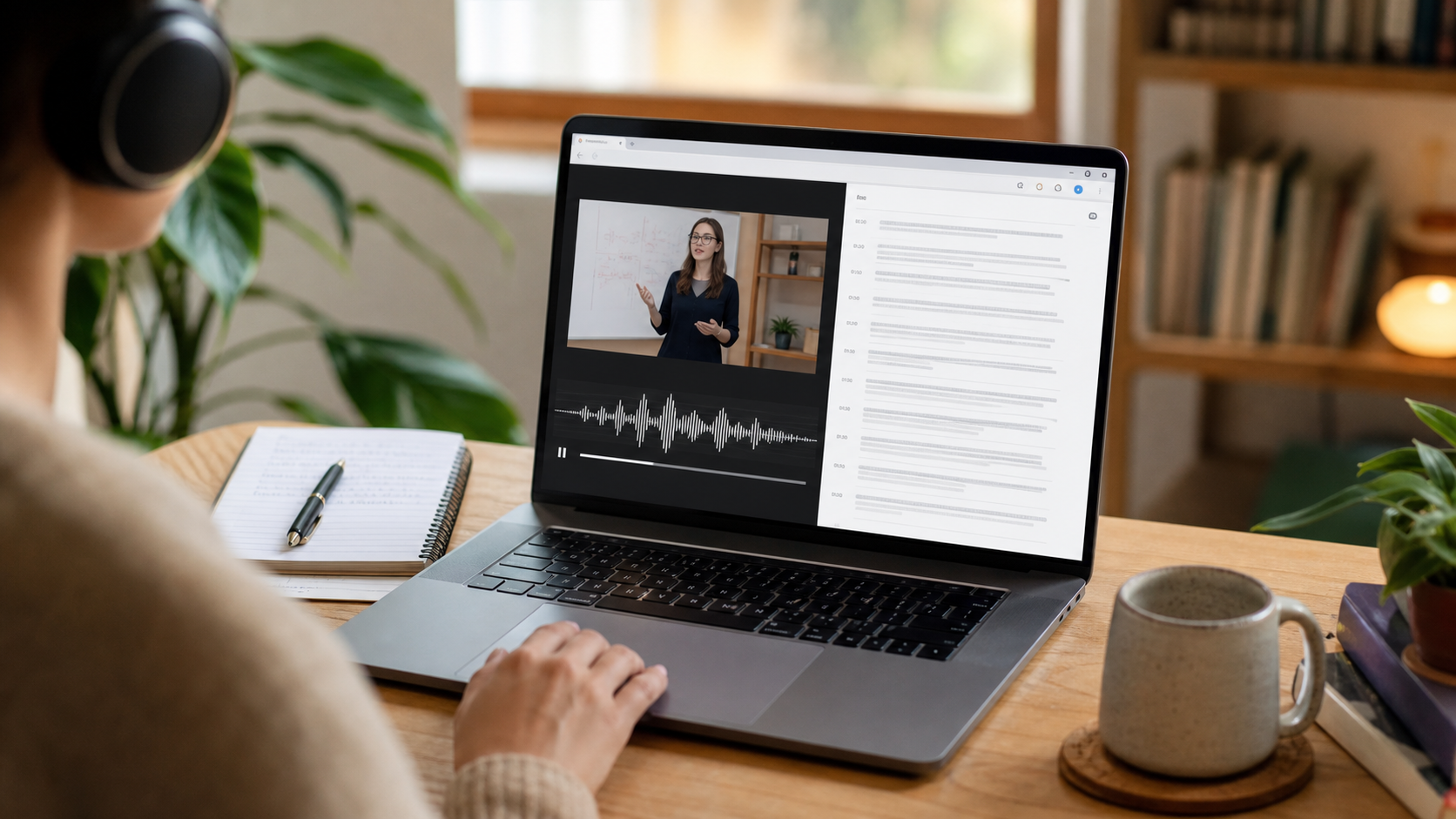
Automatic recognition is a first draft, not a final quotation. Compare every quote, number, date, and proper name with the audio or original context. Label speakers consistently and mark passages that are unclear instead of silently filling them in. Searchable text makes this review faster because you can jump directly to a phrase rather than replaying the entire interview.
If you create an AI summary, keep the complete transcript beside it. Ask for a narrow output such as themes, unanswered questions, or a list of quotations supported by the source. Narrow prompts reduce the chance that a useful detail is replaced by a confident but unsupported interpretation.
Keep the interview record organized
Name the saved recording with the participant, project, and date, then store it where the intended team can access it. Keep consent notes with the record when your workflow requires them. Remove duplicate or unnecessary recordings, and avoid sharing a transcript more broadly than the participant agreed to.
A dependable interview workflow has four steps: obtain consent, capture clearly, verify carefully, and store responsibly. GG Transcript helps with the capture and search steps so the human work—listening, editing, and choosing what to publish—can stay focused on the story rather than the mechanics of typing.
Edit for clarity without rewriting the speaker
Interview cleanup should improve readability while preserving the participant’s meaning, tone, and level of certainty. Remove obvious false starts only when they add no meaning, and avoid replacing the speaker’s vocabulary with language they would not use. When a quotation will be published, compare it with the recording and follow any review agreement made with the participant. A curated transcript can help with structure, but it should never be treated as proof that a quotation is exact.
For analysis, create a separate layer rather than changing the source. Tag themes, mark strong examples, and list questions that need follow-up. Keep interpretations clearly labeled so another editor can distinguish the participant’s words from your conclusions. This is particularly important when interviews involve sensitive experiences or unequal power. A respectful transcription workflow is not only about recognition accuracy; it is about consent, faithful representation, careful access, and an audit trail back to the original conversation.
An interview workflow that preserves context
Before the interview, agree on recording, storage, quotation review, and how the material may be used. Test the microphone in the real room, prepare the correct language setting, and keep a written note of proper names or specialist terms. During the conversation, avoid interrupting solely to correct every interim word; instead, mark moments that need careful verification when the interview ends.
Review the recording and transcript together before publishing a quotation. Keep cleanup conservative, label interpretation separately, and preserve uncertainty where the speaker was uncertain. If you generate themes or a summary, use them to organize analysis—not to replace the participant’s account. A trustworthy interview archive should make it easy to trace every important conclusion back to its source.
A dependable routine for real work
The most useful way to apply interview transcription chrome extension is to keep the workflow small and observable. Start with a short test, confirm that the words on screen match the speaker, and decide what the final reader actually needs. A raw transcript, cleaned copy, summary, table, or question-and-answer page each serves a different purpose. Choosing one outcome before you process a long recording saves time and makes quality easier to judge.
Keep a human checkpoint between recognition and action. Listen again when a name, number, quotation, deadline, or safety instruction matters. Mark uncertainty instead of allowing a fluent sentence to hide it, and compare an AI-created result with the source before publishing or sending it. Automatic tools are excellent at reducing repetitive work, but they cannot know which detail is most consequential in your context.
A clear archive also improves future work. Use descriptive titles, the spoken language, and the project or course name so search can surface the right conversation months later. Store links to related documents when audio cannot preserve a diagram, screen, or formula. Delete temporary exports and old copies when they no longer serve the task, especially when the material contains information about other people.
Finally, review the result with the person who will use it. Ask whether the summary answers the question, whether actions have real owners, and whether the tone fits the audience. Feed that feedback into the next custom instruction rather than adding more words by default. A repeatable capture–review–share loop is what turns speech-to-text into dependable work.
Prepare an interview archive that an editor can trust
Create a simple naming convention before the first interview: publication or project, participant, date, and status. Keep the untouched transcript separate from the cleaned version and from any thematic analysis. If a recording contains sensitive details, limit access while the story is in progress and document who approved a quotation. This structure prevents later edits from erasing the distinction between source material and editorial work.
When an answer is especially important, listen to the surrounding exchange rather than copying a single sentence in isolation. Context can change whether a statement is a fact, a memory, a joke, or a tentative opinion. Keep timestamps for passages that will be reviewed and invite the participant to clarify meaning where your notes are uncertain. Careful preparation makes the final article stronger without making the speaker sound unlike themselves.
Put the workflow into practice
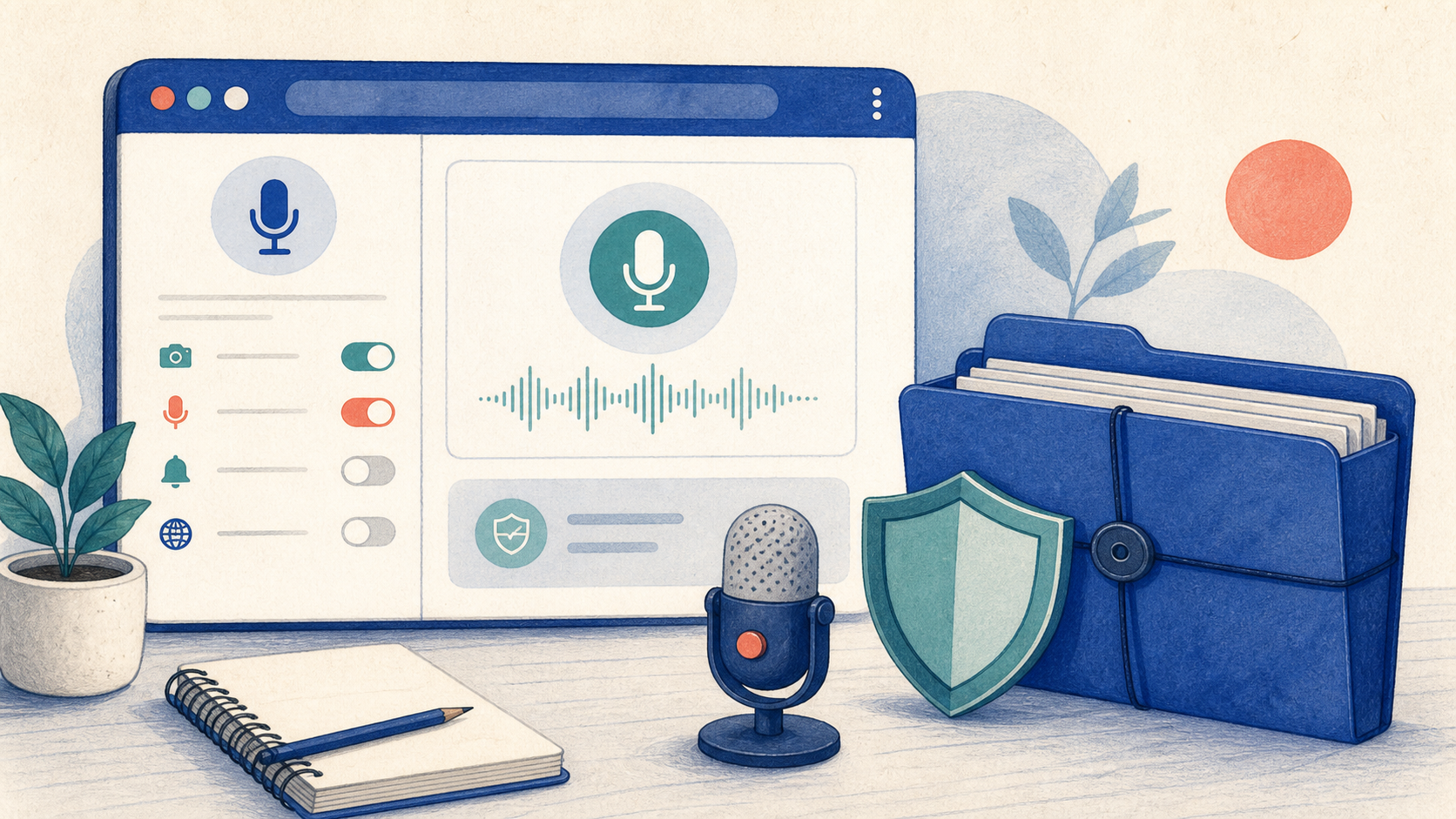
Open GG Transcript in Chrome, choose the input and language that fit your task, and begin with a short test recording. Read the step-by-step setup guide, compare plan features, and review the Privacy Policy before recording sensitive material.
Add GG Transcript to Chrome→