 GG Transcript
Voice Typing Chrome Extension with AI Cleanup
Voice typing is fastest when capture and editing stay separate: speak naturally first, then decide what the words should become.
 Harry Vu Le
Use a voice typing Chrome extension with AI cleanup to capture ideas quickly, remove verbal clutter, and shape spoken words into a clear draft.
When voice typing is better than typing
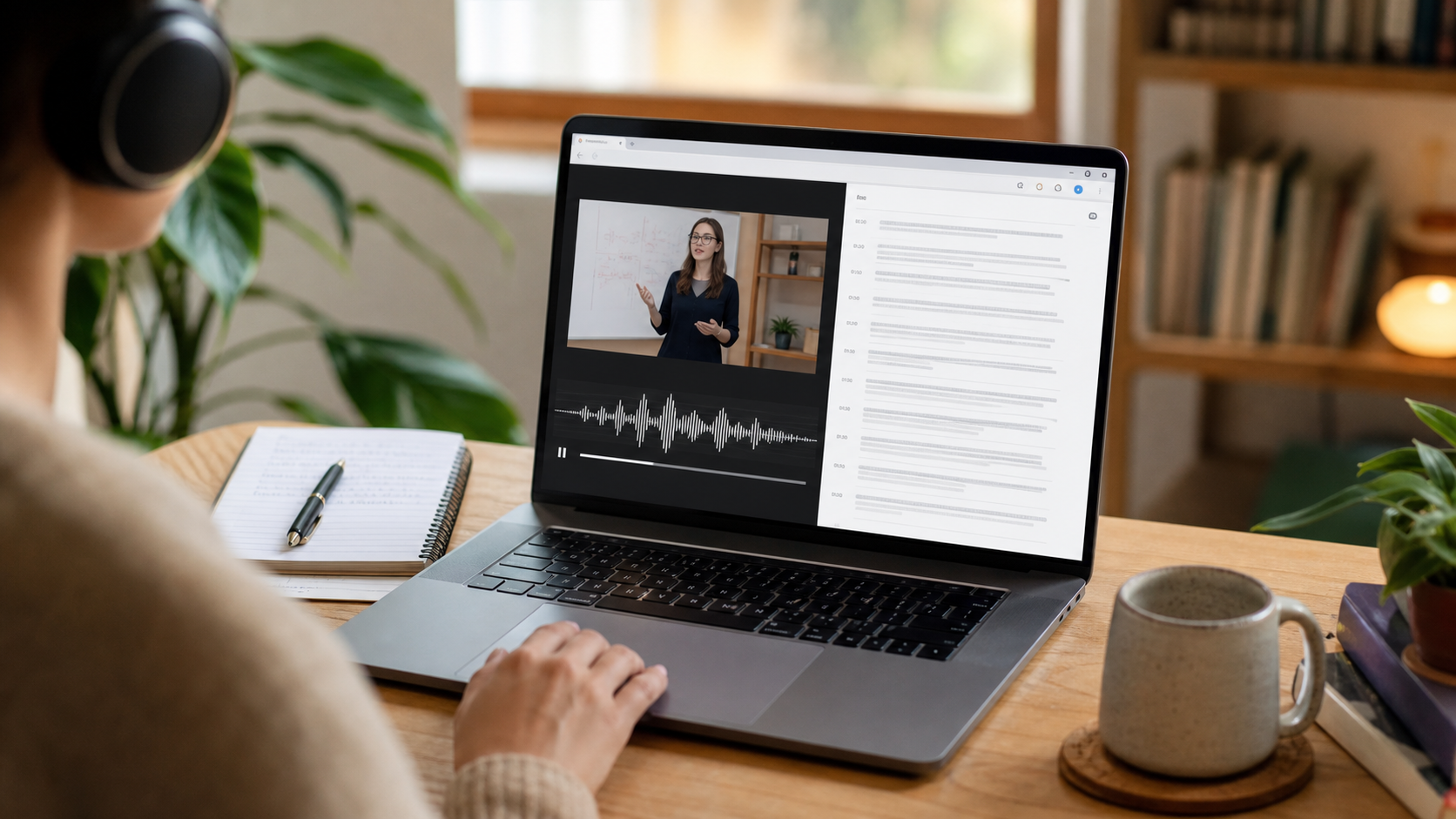
A voice typing Chrome extension with AI cleanup can help when your ideas arrive faster than your fingers can record them. It is useful for a first draft, a project brief, a private voice note, or a quick explanation that would otherwise remain unfinished. Speaking naturally keeps momentum high and preserves the order in which the idea developed. The first transcript does not need to sound polished; it needs to hold the meaning so you can shape it later.
Choose the input that fits the setting. A quiet room and a close microphone usually produce clearer text than a distant laptop microphone. Select the language before recording and say names, numbers, and technical terms carefully. If the text will become a public document, treat the recording as a draft and plan a separate review for facts, quotations, and confidential information.
Capture first, then ask for focused cleanup
Open GG Transcript and make a short test recording before dictating a longer idea. Keep the raw transcript as your source, then use a curated output to remove repeated phrases, false starts, and obvious verbal filler. Ask for one transformation at a time: a clean paragraph, an outline, a list of action items, or a short email. Narrow instructions are easier to review than a request to make the text perfect in every possible way.
AI cleanup should improve readability without inventing details. Compare names, claims, dates, and technical language with what you actually said. Keep uncertainty visible and rewrite any sentence that sounds more confident than the source. If an idea is incomplete, let the draft show the gap or add a question for later rather than filling it with a guess.
Make spoken drafts reusable
Give each recording a title that explains the topic and date. Store the transcript with the cleaned version so you can distinguish your original words from the edited draft. For a longer project, turn repeated voice notes into a consistent template with sections for the main idea, evidence, open questions, and next action. This makes later search useful because related work uses the same language and structure.
Finish with a human pass. Read the draft aloud, remove anything you no longer mean, and check that a reader can understand the context without hearing the recording. Export only the format you need and delete duplicate recordings when the work is complete. Voice typing is a capture shortcut; judgment, editing, and responsibility still belong to the person publishing or acting on the words.
Turn dictated ideas into finished writing
Voice typing is most effective when you separate drafting from editing. Speak in complete thoughts, pause between ideas, and let the transcript capture momentum without stopping to fix every word. Once the draft is complete, choose a focused AI instruction such as grammar cleanup, bullet points, or a formal email. A narrow instruction gives the model a clearer job and makes it easier to spot changes that go beyond your intent.
Read the cleaned version aloud before sending it. Check names, numbers, tone, and any sentence where the AI appears more certain than you were. Keep the original transcript when the wording matters, and export only the version that is ready for its audience. This small review turns fast dictation into writing that still sounds like you.
A dependable routine for real work
The most useful way to apply voice typing chrome extension with ai cleanup is to keep the workflow small and observable. Start with a short test, confirm that the words on screen match the speaker, and decide what the final reader actually needs. A raw transcript, cleaned copy, summary, table, or question-and-answer page each serves a different purpose. Choosing one outcome before you process a long recording saves time and makes quality easier to judge.
Keep a human checkpoint between recognition and action. Listen again when a name, number, quotation, deadline, or safety instruction matters. Mark uncertainty instead of allowing a fluent sentence to hide it, and compare an AI-created result with the source before publishing or sending it. Automatic tools are excellent at reducing repetitive work, but they cannot know which detail is most consequential in your context.
A clear archive also improves future work. Use descriptive titles, the spoken language, and the project or course name so search can surface the right conversation months later. Store links to related documents when audio cannot preserve a diagram, screen, or formula. Delete temporary exports and old copies when they no longer serve the task, especially when the material contains information about other people.
Finally, review the result with the person who will use it. Ask whether the summary answers the question, whether actions have real owners, and whether the tone fits the audience. Feed that feedback into the next custom instruction rather than adding more words by default. A repeatable capture–review–share loop is what turns speech-to-text into dependable work.
Keep your voice in the finished draft
Write down the audience and purpose before you dictate. A message to a colleague, a public announcement, and a personal outline can all start from speech, but they need different structure and tone. Give Gemini one or two explicit constraints—such as “keep my first-person voice” or “use short paragraphs”—and compare the result with your raw transcript. If a sentence feels unlike something you would say, revise the instruction or edit the sentence yourself instead of accepting a smoother but less authentic version.
Save useful prompts as small templates for recurring work: a polite follow-up, a project update, a study explanation, or a concise social post. Review names, links, numbers, and implied promises before sharing. Keep the original wording when the draft records a decision or personal account. This balance gives voice typing the speed of a conversation while keeping the final writing accountable to the person who spoke it.
Put the workflow into practice
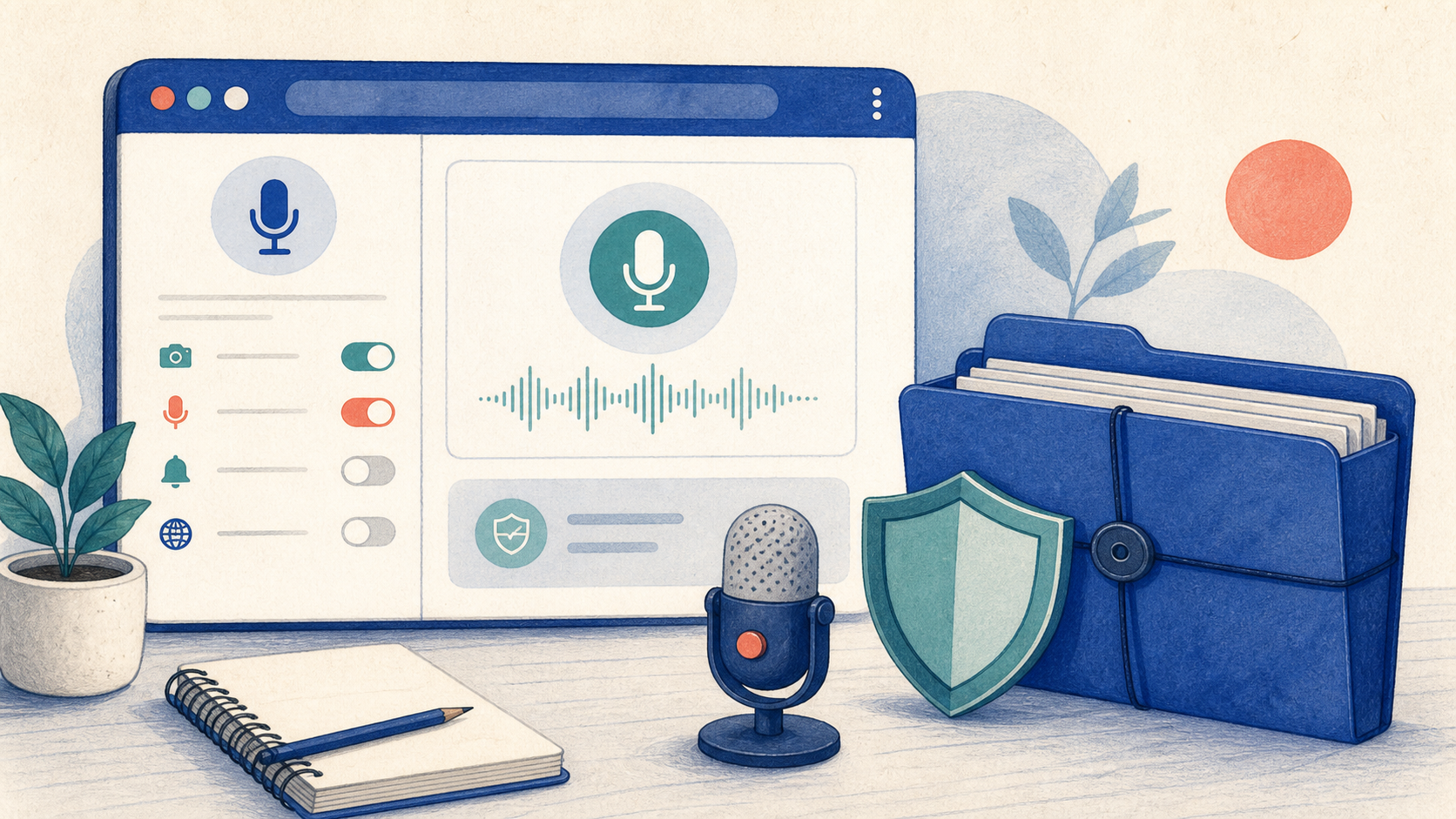
Open GG Transcript in Chrome, choose the input and language that fit your task, and begin with a short test recording. Read the step-by-step setup guide, compare plan features, and review the Privacy Policy before recording sensitive material.
Add GG Transcript to Chrome→