 GG Transcript
How to Use a Speech-to-Text Chrome Extension for Voice Typing
Speak when ideas are moving quickly, then use the keyboard and AI when precision or structure matters.
 Harry Vu Le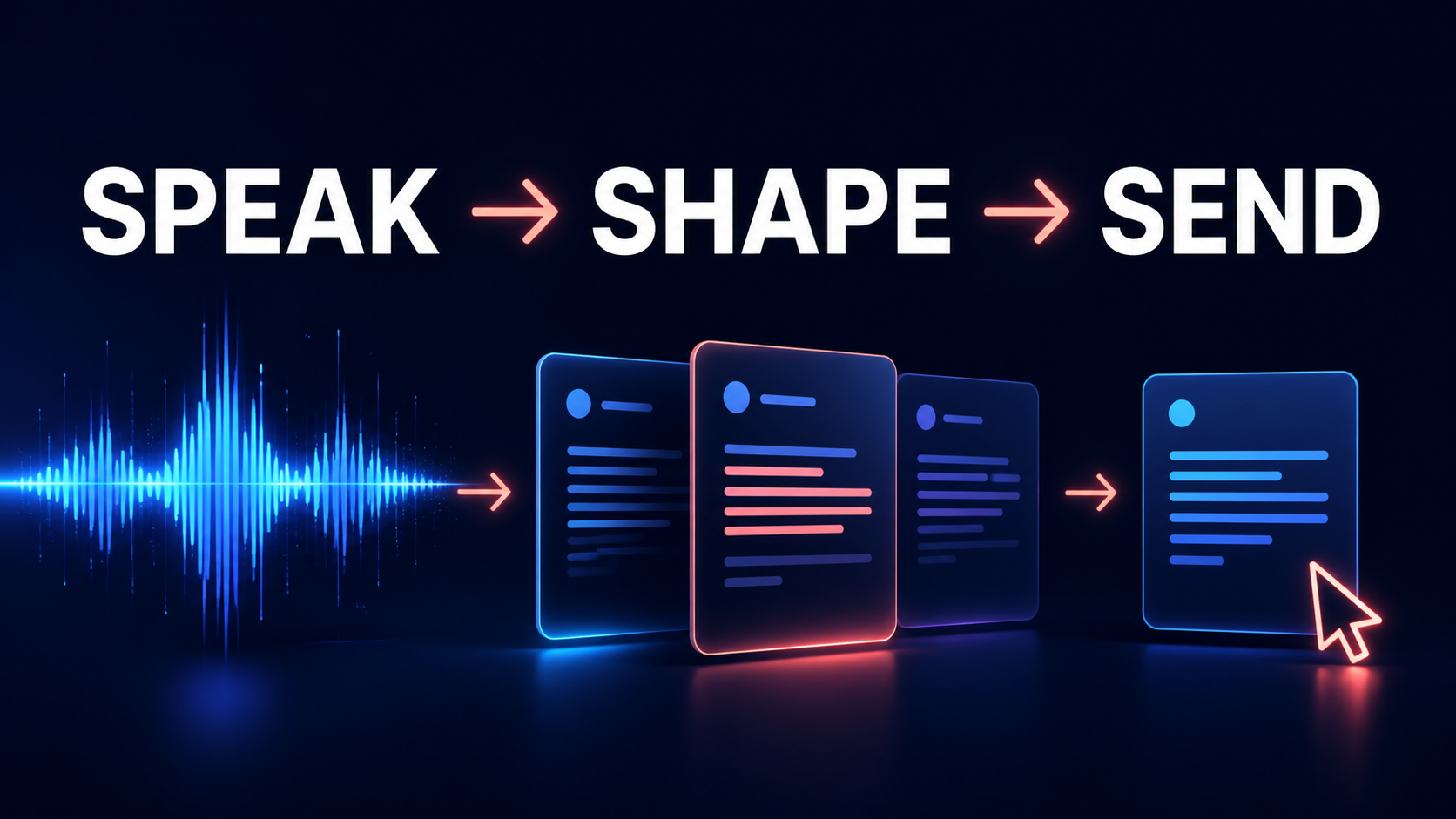
Why speaking can be faster
Typing has been the default way to communicate with a computer for decades, but it is not always the fastest way to express an idea. People can often explain a complicated thought aloud long before they could comfortably type the same explanation. That difference is why speech-to-text and voice typing are becoming increasingly useful for writing, studying, AI prompting, note-taking, and everyday work inside the browser.
A speech-to-text Chrome extension changes the keyboard from being the only practical input method into one of several choices. When precision matters, typing remains excellent. When someone already knows what they want to say and simply needs to get the idea onto the screen, voice typing can be much faster. GG Speech was created around this combination rather than around the idea that speech should completely replace the keyboard.
One of the clearest examples is AI prompting. Modern AI tools such as ChatGPT, Gemini, Claude, and other assistants tend to perform better when users explain their situation clearly. A strong AI prompt may contain background information, constraints, examples, formatting requirements, previous attempts, and details about the desired result. The difficulty is that typing several paragraphs of context can feel disproportionately time-consuming.
That often leads people to shorten their prompts. Instead of explaining exactly what they need, they enter a few sentences and hope the AI understands the missing context. Voice typing removes some of that friction. A user can simply explain the task naturally, almost as if speaking to another person. GG Speech turns that explanation into text, allowing the user to review it, make corrections, and paste or use it as a detailed AI prompt.
The same advantage appears in writing. Writers frequently struggle not because they have nothing to say, but because converting a thought into polished text requires several stages at once. They are generating an idea, choosing vocabulary, deciding sentence structure, checking grammar, and physically typing all at the same time. Voice-to-text allows those stages to be separated.
From rough ideas to useful text
A student planning an essay can speak through the argument before worrying about perfect wording. Someone preparing an article can dictate a rough introduction and then revise it. A professional can explain the main idea of a report aloud before organizing the transcript into formal writing. The first transcript does not need to be beautiful. Its purpose is to capture the thinking while the thinking is still happening.
This distinction is important because voice typing is sometimes judged by whether the first transcript looks like finished writing. That is not always the most useful comparison. Handwritten notes are rarely final prose either, yet people still use them because they help preserve ideas. Speech-to-text serves a similar purpose while producing editable digital text immediately.
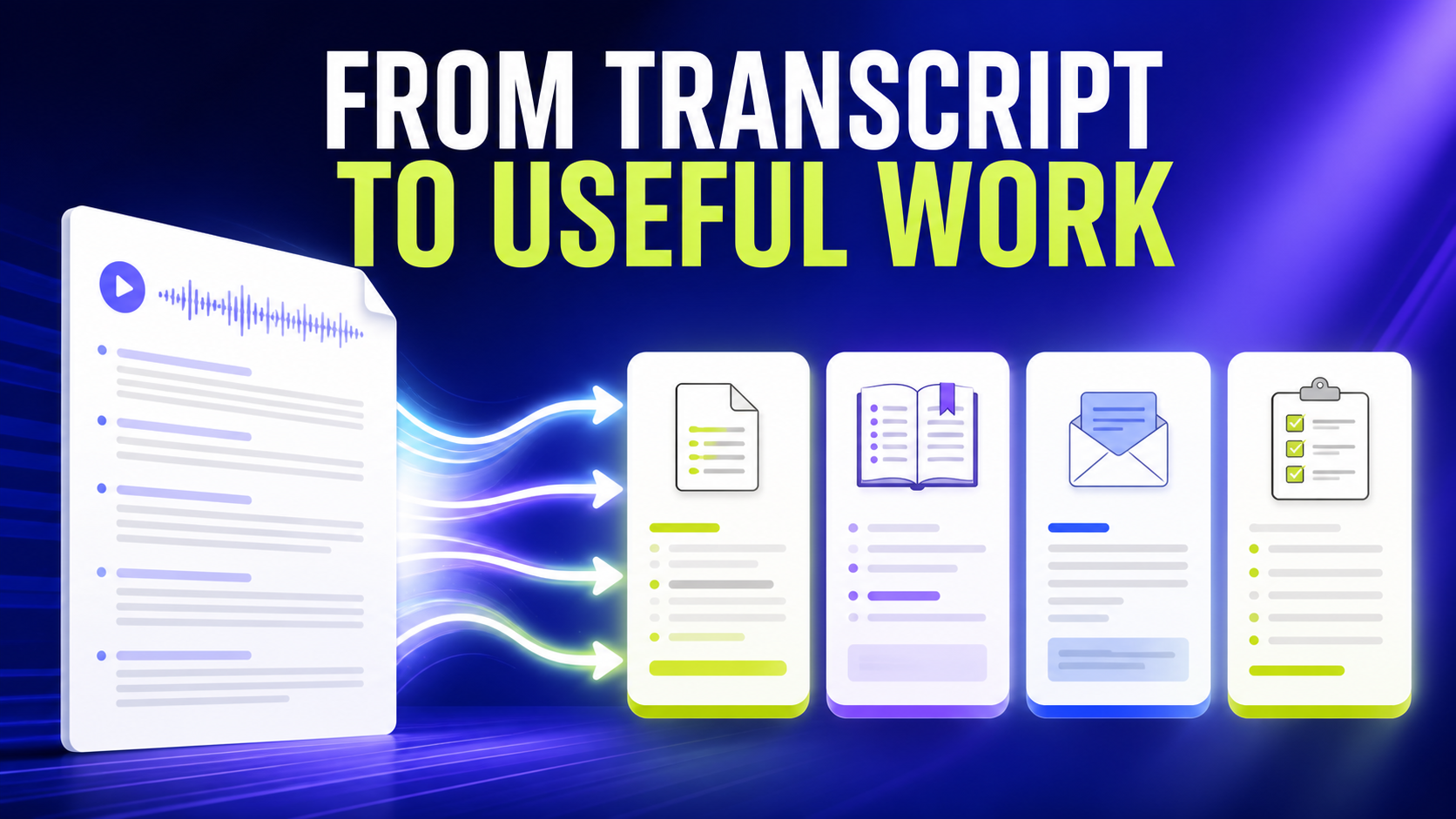
GG Speech extends this idea by allowing the transcript to become something more structured when needed. A long spoken explanation can become a summary. Brainstorming can become organized bullet points. A discussion can become action items. A lecture transcript can become study notes. A spoken description of a situation can become an email draft. The transcript remains the source, while AI can help reorganize it into the format the user actually needs.
This makes the extension useful for more than dictation. Traditional voice typing usually ends when the words appear on the screen. An AI transcription workflow continues from there. GG Speech can preserve transcript history and provide different output styles so the same spoken information can support several tasks without being rewritten repeatedly.
Voice typing inside real browser work
The browser interface is also an important part of this workflow. Many speech-to-text tools work well in isolation but become inconvenient when the user must constantly leave the application where the actual work is happening. If someone is writing in Google Docs, the transcription tool should ideally remain nearby. If someone is working with an AI assistant, voice typing should not require opening another complicated workspace every few minutes.
GG Speech uses a sidebar and floating panel to reduce that interruption. The extension can stay accessible alongside browser-based work, allowing the user to move naturally between speaking, reading, typing, and editing. The goal is not to turn every task into voice input. It is to make speech available at the moments when speech is the easier option.
This can create meaningful time savings because much of digital work involves small pieces of text. Notes, prompts, reminders, explanations, rough paragraphs, meeting observations, and quick drafts may each take only a few minutes to type, but those minutes accumulate throughout the day. A person who repeatedly knows what they want to say but pauses to type it manually may spend far more time on text entry than they realize.
Speech-to-text is particularly useful for long or conversational thoughts. Speaking encourages people to include detail. Typing often encourages compression because every additional sentence requires physical effort. This difference becomes especially valuable in AI workflows, where providing more relevant context often improves the quality of the response.
The strongest workflow uses both
Voice typing also helps preserve momentum. Ideas are fragile. A thought that feels obvious now may disappear by the time someone finishes typing the previous paragraph. Being able to speak quickly and capture the idea can prevent that interruption. The transcript can always be refined later.
That does not mean speech is automatically better than typing. The keyboard remains superior for careful editing, exact punctuation, formatting, coding, and small corrections. The strongest workflow combines both methods. Speech handles speed and idea capture. Typing handles precision and refinement.
GG Speech is designed around that balance. It is a speech-to-text Chrome extension for moments when speaking is easier, a voice typing tool for moments when typing becomes a bottleneck, and an AI transcription workflow for moments when raw speech needs to become something more organized.
The future of writing is unlikely to be purely voice or purely keyboard. It will be a mixture of both, with people choosing whichever input method fits the task. The real productivity improvement comes from no longer forcing every thought through the keyboard simply because that is how computers have traditionally worked.