 GG Transcript
Best Otter.ai Alternatives in 2026: Tools Compared
The best Otter alternative depends on whether you want a lightweight browser companion, a meeting system, or transcription infrastructure for a product.
 Harry Vu Le
Why people look beyond Otter
Otter.ai is a capable meeting platform, but it is not the only shape a transcription product can take. Some users want a smaller tool that stays beside Chrome. Some teams want a different meeting-intelligence system. Developers need an API rather than a meeting workspace, and media creators may care more about multilingual files, timestamps, and subtitles. The best Otter.ai alternative depends on which part of Otter’s workflow you are actually trying to replace.
Otter’s official product page emphasizes searchable meetings, live transcription, speaker recognition, summaries, action items, collaboration, and integrations. Those capabilities make it a useful benchmark. They also show why a fair comparison cannot treat every speech-to-text product as a direct substitute: an API, document dictation feature, and browser panel solve different problems.
Begin by naming the trigger for the search. Is a meeting bot undesirable? Does the user need transcription outside scheduled meetings? Are more languages or developer controls required? Is the team trying to reduce platform complexity? Or is the main concern simply the relationship between free minutes and session length? A specific reason produces a better shortlist than searching for a product with every possible feature.
Next, separate required features from attractive extras. Live text, speaker labels, file upload, summaries, action items, integrations, exports, timestamps, and team analytics may all sound helpful. Few users need all of them in every session. Rank the features by the work that follows the transcript.
Finally, compare data flow. Ask how audio enters the service, whether another participant joins the meeting, where the transcript lives, who can open it, how long it remains available, and how it leaves the platform. This is often more important than a small difference in recognition quality.
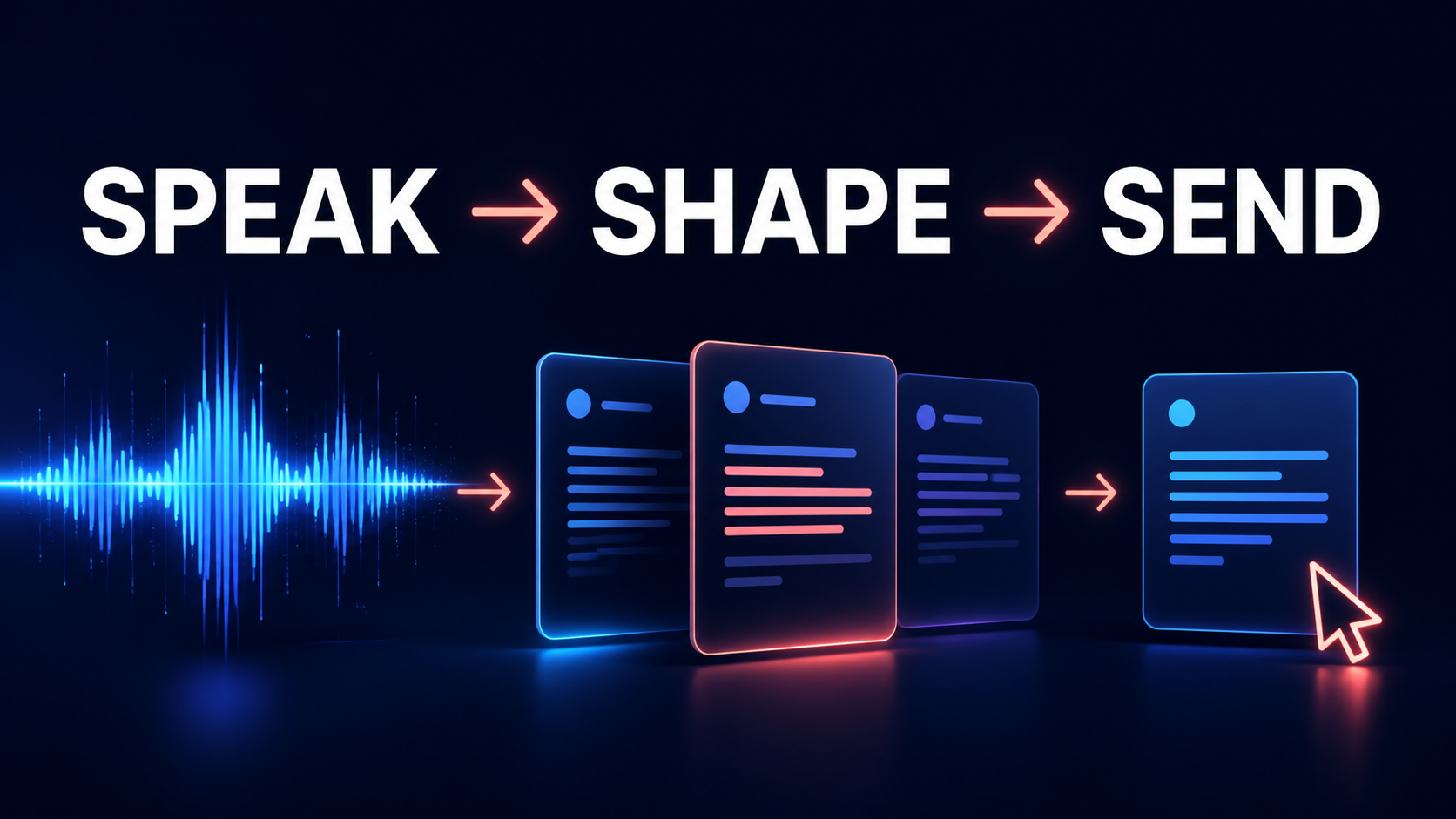
1. GG Transcript — best Otter alternative for browser-first personal transcription. GG Transcript keeps live capture, language selection, transcript history, copying, downloads, and AI output close to the browser task. It does not require every recording to become a managed meeting. That makes it a strong fit for students, creators, researchers, writers, and professionals who want transcription across lectures, calls, videos, ideas, and everyday work.
The strongest Otter alternatives
2. Fireflies.ai — best alternative for teams that still want meeting intelligence. Fireflies.ai centers on recording, transcribing, summarizing, searching, and analyzing team conversations. Its official site describes meeting bots, Chrome capture, mobile and desktop options, file transcription, speaker recognition, summaries, action items, integrations, and conversation analytics. It is the closest alternative in this list when the user wants to replace one meeting platform with another broad meeting platform.
3. Deepgram — best alternative for developers and product teams. Deepgram provides real-time and batch speech-to-text APIs with features such as diarization, formatting, keyterm support, redaction, and structured results. It is not a drop-in personal notes app, but it gives engineers control over how speech recognition appears inside their own application, agent, contact-center system, or media workflow.
4. ElevenLabs Scribe — best alternative for multilingual media and advanced transcription. ElevenLabs Scribe supports uploaded and real-time speech-to-text workflows, broad language coverage, timestamps, speaker diarization, and audio-event tagging. Newer documentation also describes keyterm prompting and options for cleaner non-verbatim output. It is a strong candidate when the transcript belongs to a subtitle, localization, research, or content-production pipeline.
5. Google Docs voice typing — best alternative for simple dictation. If the only requirement is turning a person’s speech into editable writing, a complete meeting platform may be unnecessary. Google Docs voice typing places text directly in the document, making it a useful baseline for essays, letters, outlines, and drafts. It does not replace Otter’s meeting memory, but it may replace the only Otter function a particular user was using.
Choose GG Transcript when transcription should behave like a browser utility rather than a destination. A floating or side-panel approach can stay available while the user works in another web application. The transcript can then be copied, downloaded, searched in history, or transformed into another output without requiring the original task to move into a meeting dashboard.
Choose Fireflies when the organization still wants automated meeting capture, shared summaries, conversation search, collaboration, and downstream integrations. Evaluate how it joins calls, which meeting systems it supports, how roles and access work, and whether its analytics are useful enough to justify a larger team platform.
Choose by workflow, not feature count
Choose Deepgram when the “alternative” is meant for software, not an end user. Product teams should compare streaming latency, supported models and languages, diarization, redaction, SDKs, observability, data controls, and pricing at expected volume. The decision should be made with sample audio from the target environment rather than marketing demonstrations.
Choose ElevenLabs when audio files, multilingual speech, media timing, and wider audio production matter. Check which model supports the required real-time or batch path, how speaker labels appear, and whether exports match the subtitle, research, or content system that will consume them.
Choose Google Docs voice typing when a user speaks alone and edits immediately. It is intentionally narrow, but narrow can be efficient. The absence of a meeting archive, automated attendee, and team workspace is an advantage when none of those things are needed.
Do not switch based on a feature table alone. Record the same five-minute sample in the existing product and two alternatives. Include a name, a number, a specialist term, a pause, and the normal background noise. Compare not only recognition errors but also setup time, visibility during recording, correction effort, and the path into the next application.
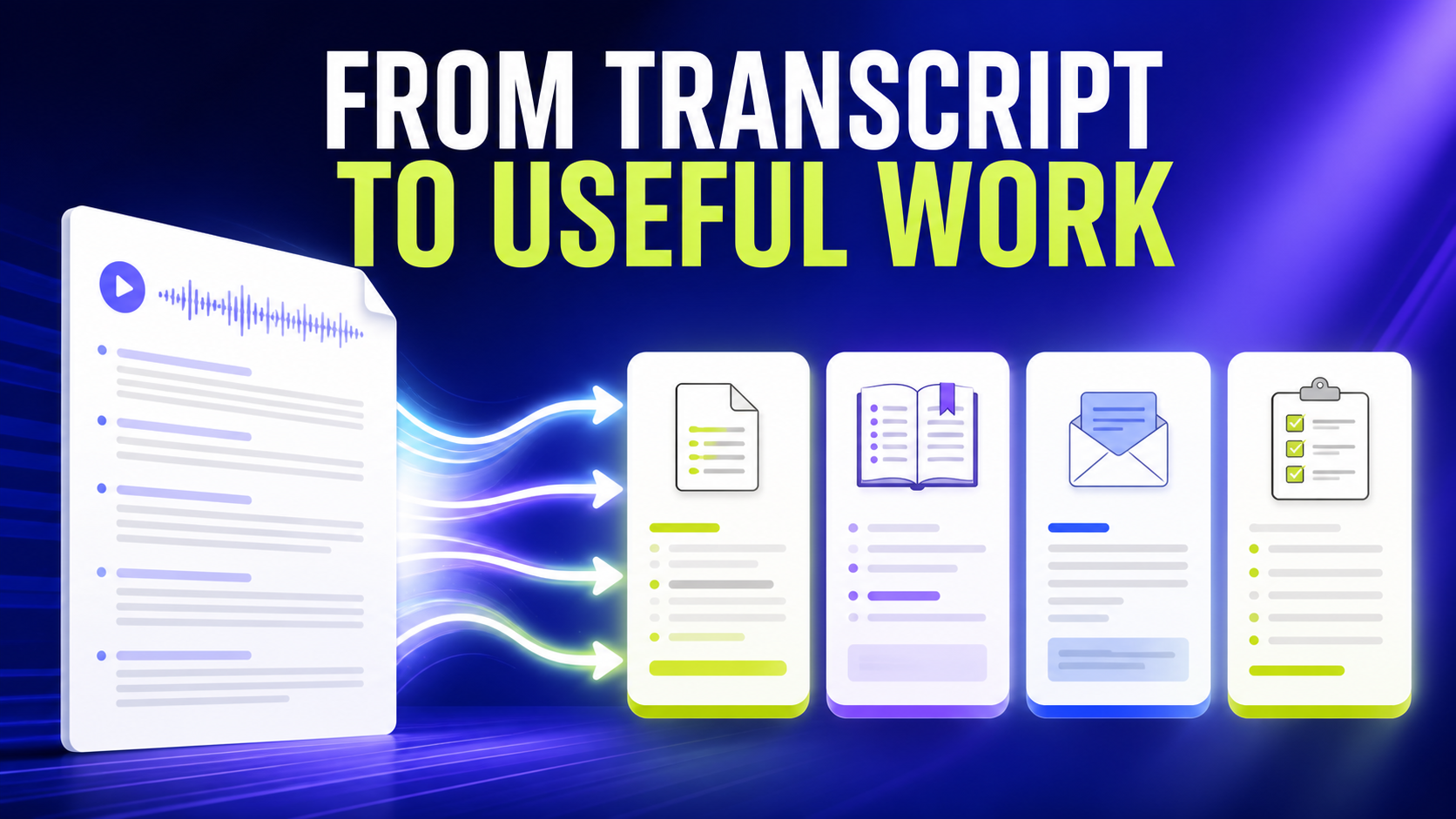
Test a real end-to-end task. For a meeting, create decisions and action items, then verify them against the transcript. For a lecture, search for a concept and build study notes. For a spoken draft, move the text into the final document and edit it. For an API, send realistic streaming and prerecorded samples through a staging integration.
Review consent, privacy, and retention before moving a sensitive workflow. A different interface does not automatically create stronger privacy. Read the current policies, confirm whether recordings or transcripts are stored, understand account access, and remove test material that should not remain in the service.
A practical switching checklist
Plan the migration around useful records. Export transcripts that still matter, keep source dates and titles, and avoid importing a large archive merely because it exists. A clean move preserves decisions, research, or notes that have future value while leaving duplicate and expired material behind.
GG Transcript is the strongest Otter.ai alternative in this guide for people who want an individual, browser-first live transcription workflow. Fireflies is the strongest direct meeting-platform alternative. Deepgram and ElevenLabs are stronger for technical or media systems, while Google Docs is the simplest dictation alternative.
That conclusion is intentionally narrower than “one product is best for everyone.” It states which workflow each product serves and links to the official providers so readers can confirm current features. The ranking is published by GG Transcript and should be read with that perspective visible.
The best alternative is the product that removes the exact friction that caused the search. If the problem is a heavy meeting workflow, choose a lighter browser tool. If the problem is insufficient team intelligence, compare meeting platforms. If the problem is lack of developer control, move to an API. If the problem is simple dictation, simplify rather than adding another system.
When the requirement is clear, the comparison becomes smaller, more honest, and much easier to test.