 GG Transcript
Searchable Meeting Transcript Chrome Extension
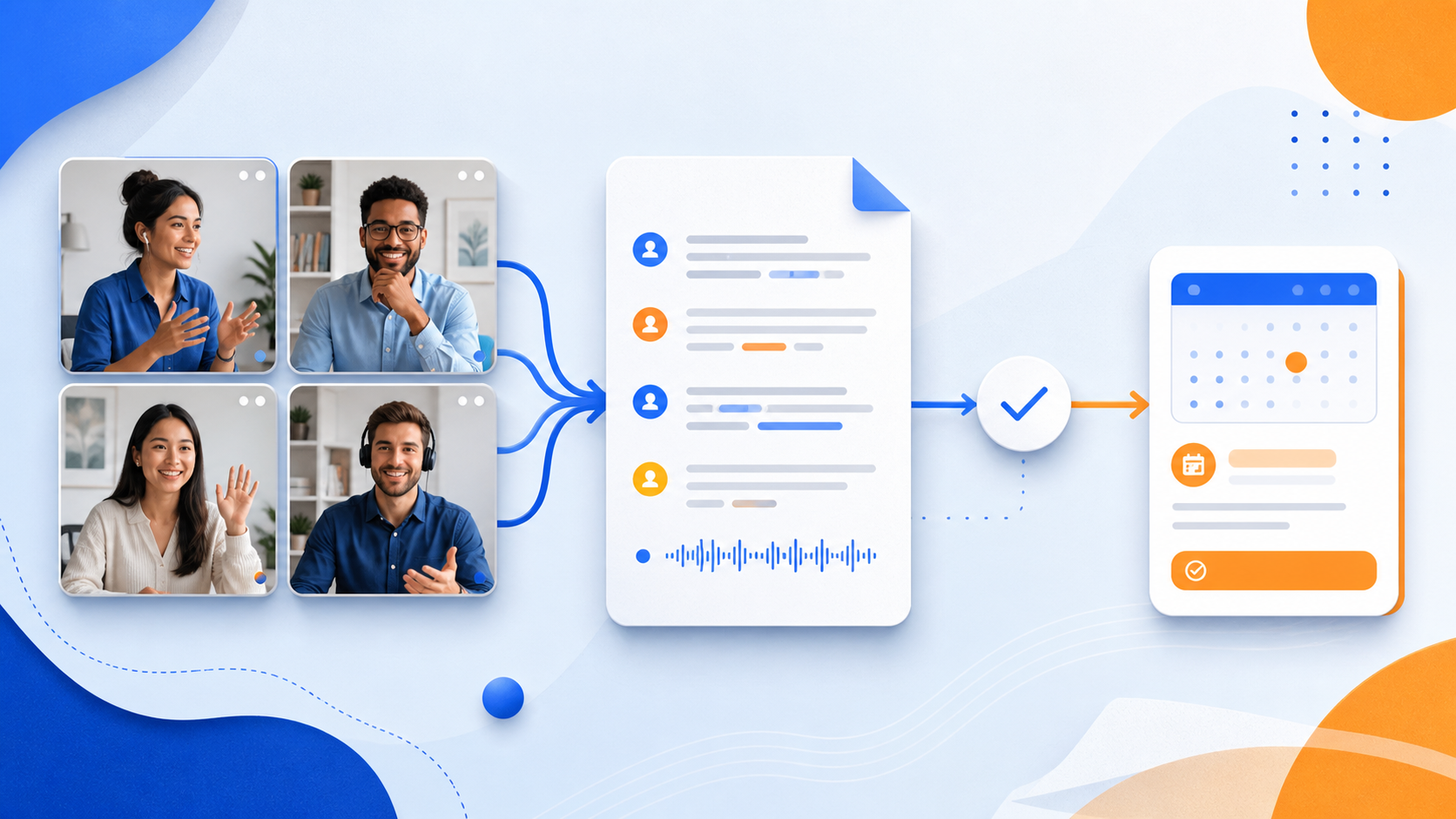
A searchable transcript is useful when it helps your team find the moment that matters, verify what was decided, and move the next task forward.
 Harry Vu Le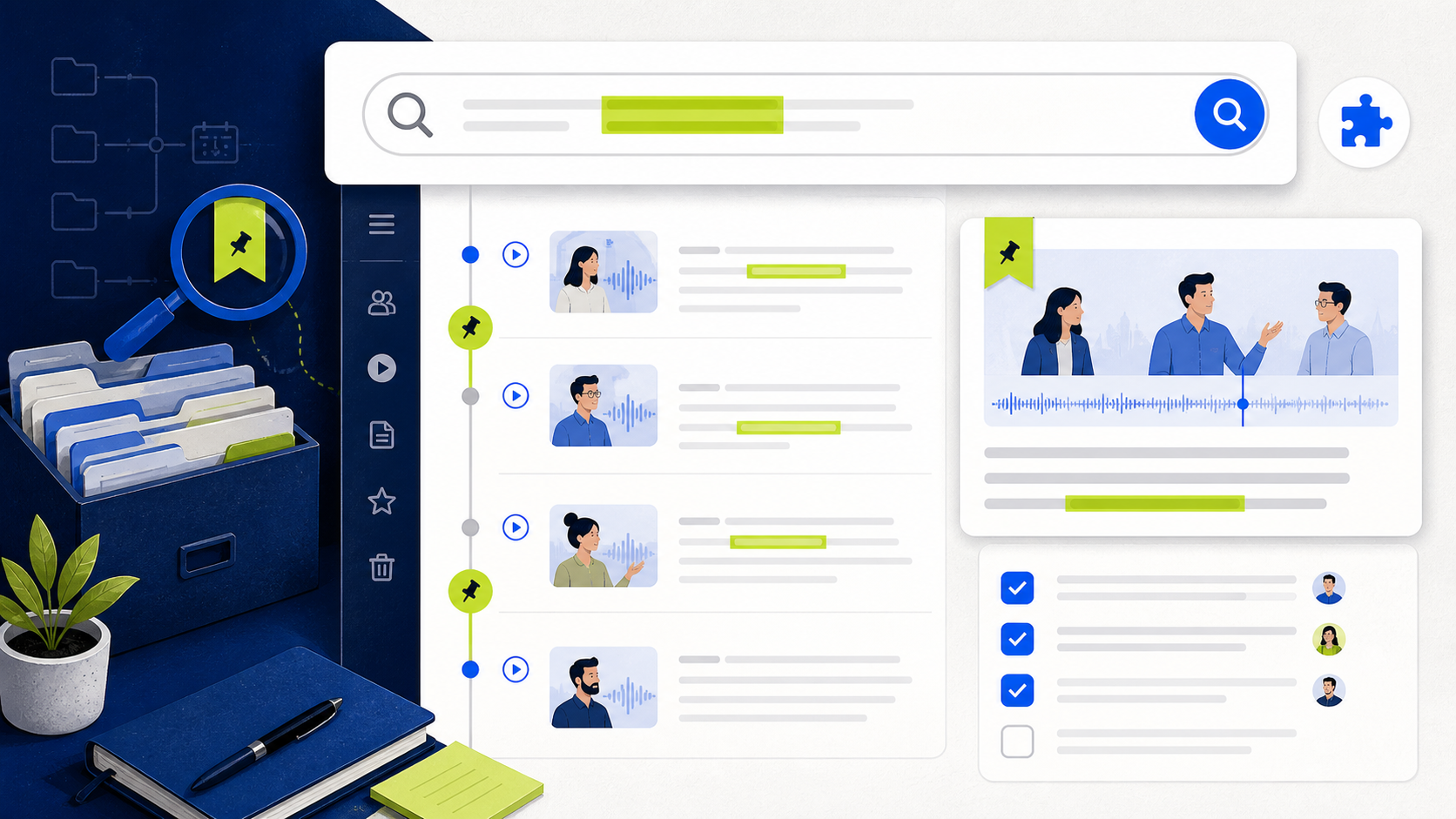
Create a searchable meeting transcript in Chrome, verify decisions and action items, and keep the original conversation available for review.
Why a searchable meeting transcript helps
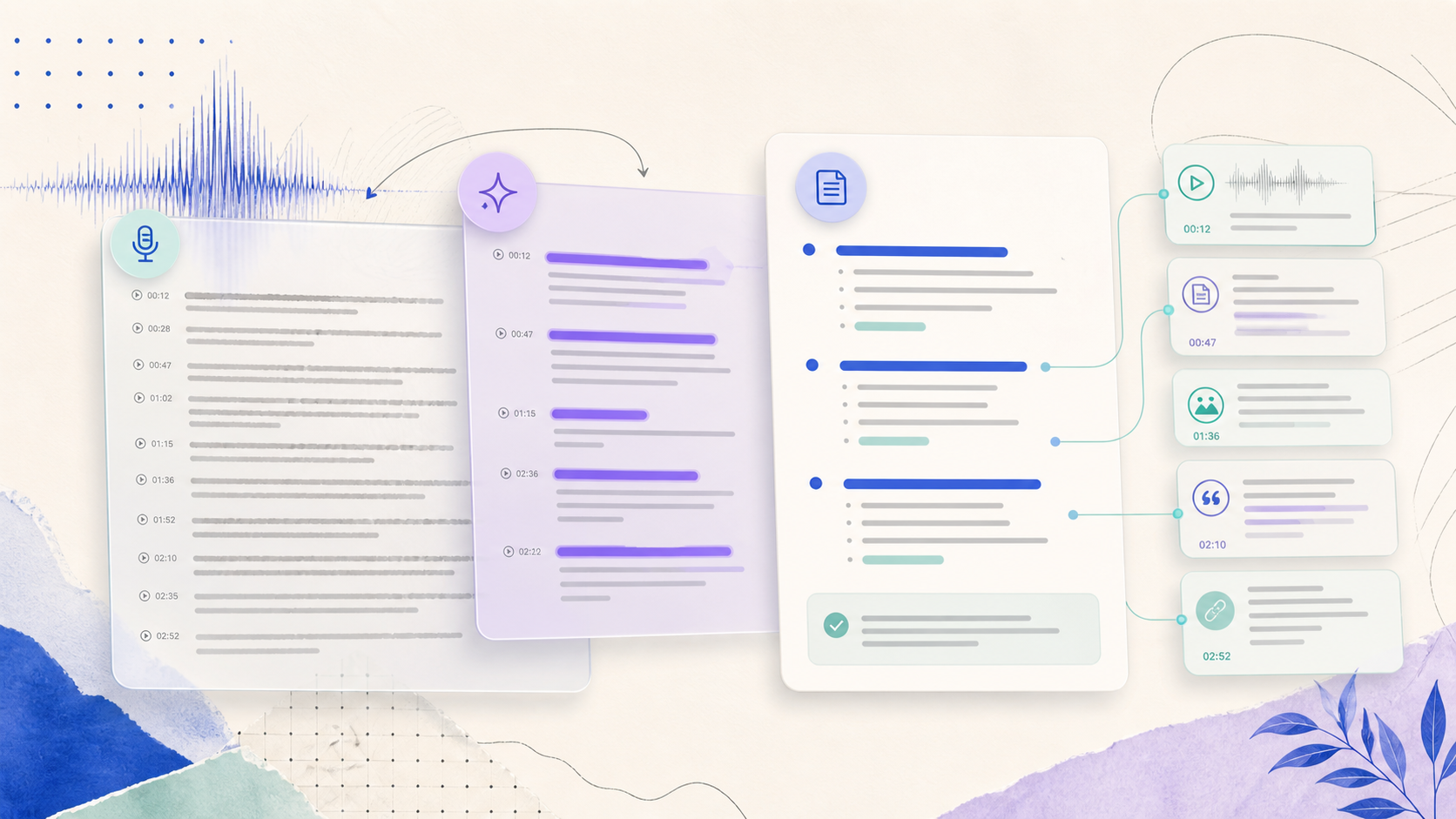
A searchable meeting transcript Chrome extension gives a team a faster way to return to names, decisions, dates, and open questions. Instead of replaying a full call, you can search for a project term and review the surrounding context. This is especially useful when a meeting includes several topics or when people join from different locations. Search does not replace listening; it shortens the path to the part of the conversation that needs a careful check.
The strongest workflow starts with a clear purpose. Decide whether the transcript is for a short follow-up, a project record, research, or accessibility support. Tell participants when recording or transcription is active and follow the rules that apply to the meeting. A transcript should be easy to find for the people who need it, but it should not become a permanent copy of every conversation by default.
Create and review the transcript in Chrome
Open GG Transcript before the meeting, select the spoken language, and confirm the microphone or supported audio source. Run a short test and check that words appear before the agenda begins. During the call, keep the input stable and avoid switching microphones. When the meeting ends, stop the recording and give it a descriptive title with the project and date. A consistent naming pattern makes saved history searchable even before you type a query.
Read the transcript before asking an AI tool to summarize it. Correct participant names, product terms, numbers, and deadlines first. Search for words such as decision, owner, follow-up, and due date, then read enough surrounding text to confirm the meaning. If speakers overlap or a phrase is unclear, mark it for review instead of allowing a fluent summary to turn uncertainty into a fact.
Turn searchable text into accountable follow-up
Use the cleaned transcript to create a short meeting summary, an action list, or a custom team format. Keep decisions separate from suggestions and list an owner only when the meeting explicitly assigned one. If a date was discussed but not confirmed, label it as tentative. The full transcript remains the evidence layer, while the follow-up document should contain only what people need to act on next.
After sending the follow-up, keep the original transcript available to the appropriate participants and remove copies that no longer serve the project. At the next meeting, begin by checking the previous action list. This closes the loop between capture and execution. GG Transcript reduces the mechanical work of finding and organizing speech, while the meeting owner remains responsible for consent, accuracy, access, and retention.
Make a searchable meeting record
Search works best when the recording has a useful title, a clear language choice, and a transcript that has been lightly corrected. Name the session with the project and date, then add a short note about the decision or question it contains. After the meeting, search for people, deliverables, and deadlines rather than scrolling through every line. Save the result only when it remains useful to the team, and remove duplicate drafts that create noise.
Treat search as a way to recover context, not as permission to expose every conversation. Keep sensitive meetings limited to the people who need them and verify a result against the original audio before quoting it. A compact, well-named archive makes follow-up faster while preserving a clear boundary around what should remain private.
A dependable routine for real work
The most useful way to apply searchable meeting transcript chrome extension is to keep the workflow small and observable. Start with a short test, confirm that the words on screen match the speaker, and decide what the final reader actually needs. A raw transcript, cleaned copy, summary, table, or question-and-answer page each serves a different purpose. Choosing one outcome before you process a long recording saves time and makes quality easier to judge.
Keep a human checkpoint between recognition and action. Listen again when a name, number, quotation, deadline, or safety instruction matters. Mark uncertainty instead of allowing a fluent sentence to hide it, and compare an AI-created result with the source before publishing or sending it. Automatic tools are excellent at reducing repetitive work, but they cannot know which detail is most consequential in your context.
A clear archive also improves future work. Use descriptive titles, the spoken language, and the project or course name so search can surface the right conversation months later. Store links to related documents when audio cannot preserve a diagram, screen, or formula. Delete temporary exports and old copies when they no longer serve the task, especially when the material contains information about other people.
Finally, review the result with the person who will use it. Ask whether the summary answers the question, whether actions have real owners, and whether the tone fits the audience. Feed that feedback into the next custom instruction rather than adding more words by default. A repeatable capture–review–share loop is what turns speech-to-text into dependable work.
Make retrieval useful months after the meeting
Use the same title pattern for every meeting: project, purpose, date, and the team involved. Add a one-line description that names the decision or question, because a search result should tell you why it matters before you open it. Correct recurring names and product terms once, then use the corrected spelling in follow-up notes so future searches find the same subject consistently.
Schedule a short archive review at the end of a project. Keep the decisions and action records that explain what happened, remove duplicate experiments and temporary exports, and confirm that permissions still match the people who need access. A searchable history is valuable when it preserves context and restraint together; it should help the right person find the right record without becoming an indiscriminate collection of conversations.
Put the workflow into practice
Open GG Transcript in Chrome, choose the input and language that fit your task, and begin with a short test recording. Read the step-by-step setup guide, compare plan features, and review the Privacy Policy before recording sensitive material.
Add GG Transcript to Chrome→